

ASUS Chromebook Plus CX34
A well-built 14-inch Chromebook Plus with a bright FHD touch display, all-day battery, and enough power for Google AI features — around $400.
Affiliate links help keep our reviews independent at no extra cost to you.
Our Take on ASUS Chromebook Plus CX34
The ASUS Chromebook Plus CX34 stands out as one of the top performers in the laptops category for 2026. As a budget-friendly choice, it appeals to value-conscious buyers who want solid performance without overspending. Its standout strength is its excellent port selection and a spacious, comfortable backlit keyboard.
Market positioning: The ASUS Chromebook Plus CX34 competes aggressively in the value-focused laptops segment. This maximizes what you get per dollar, making it perfect for cost-conscious shoppers or first-time buyers.
Real-world use: Suited for everyday productivity, web browsing, streaming, and light creative tasks. The 4.5/5 rating reflects genuine user feedback from real-world usage.
Competitive edge: The balance of performance, battery life, and build quality gives it an edge in head-to-head comparisons. That said, potential buyers should consider that plastic chassis feels less premium than the price might suggest. Additionally, 8GB RAM is the ceiling on most configs — can feel tight with many Chrome tabs open.
Best For
Budget-conscious shoppers seeking dependable laptop performance at an affordable price.
Consider Alternatives If
Plastic chassis feels less premium than the price might suggest, or if 8GB RAM is the ceiling on most configs — can feel tight with many Chrome tabs open.
How We Evaluate
PageBen prioritizes usefulness for US shoppers. Affiliate commission does not decide recommendations, rankings, or verdicts.
Sources Checked
Official specifications, Retailer listings, Verified buyer feedback, Manufacturer documentation.
Decision Factors
We weigh processor class, memory, display quality, battery life, ports, weight, and upgrade limits.
Editorial Standard
Hands-on notes are labeled when available; otherwise analysis is based on documented specs and buyer evidence.
Who Should Buy ASUS Chromebook Plus CX34?
Not every product is right for every buyer. Here's how the ASUS Chromebook Plus CX34 matches different user profiles:
Quality Seekers
ConsiderSolid 4.5/5 rating, but consider premium options if you want the absolute best.
Budget Shoppers
Great fitDesigned with value in mind—get the essentials without overpaying.
Power Users
Look elsewhereConsider higher-tier options for intensive professional or enthusiast workloads.
First-Time Buyers
Great fitLow-risk entry point to try the category without major investment.
Key specifications
Intel Core i3-1215U (also offered with Core i5-1235U/i5-1335U)
Intel UHD Graphics
8GB LPDDR5
128GB or 256GB (SSD/UFS storage + microSD variants)
14.0 inches
IPS, touch on select configs
1920 x 1080 (FHD)
60Hz
250 nits
Up to 10 hours (rated)
3.17 lbs (1.44 kg)
USB-C, USB-A, microSD card reader, 3.5mm headphone jack
ChromeOS (Chromebook Plus certified)
180-degree lay-flat hinge, backlit keyboard, Wi-Fi 6, Bluetooth 5.2/5.4, Google Gemini AI features built in
What These Specs Mean For You
Numbers don't tell the whole story. Here's what the ASUS Chromebook Plus CX34's specifications actually mean in daily use:
Processor
•Intel Core i3-1215U (also offered with Core i5-1235U/i5-1335U)Key specThe Intel Core i3-1215U (also offered with Core i5-1235U/i5-1335U) handles all your computing—determines how fast apps run and how many you can use at once.
RAM
•8GB LPDDR5Key spec8GB LPDDR5 RAM covers most everyday needs.
Storage
•128GB or 256GB (SSD/UFS storage + microSD variants)Key spec128GB or 256GB (SSD/UFS storage + microSD variants) storage for your files, apps, and OS. SSD means fast boot and load times.
Graphics
•Intel UHD GraphicsGraphics of Intel UHD Graphics for this laptops.
Display Size
•14.0 inchesDisplay Size of 14.0 inches for this laptops.
Pros
- Excellent port selection and a spacious, comfortable backlit keyboard
- Bright, sharp FHD display for the price point
- Strong battery life that regularly exceeds the 10-hour rating in light use
- Chromebook Plus certification guarantees a baseline of specs and on-device Google AI features
- 180-degree hinge is handy for sharing the screen or presenting
Cons
- Plastic chassis feels less premium than the price might suggest
- 8GB RAM is the ceiling on most configs — can feel tight with many Chrome tabs open
- 250-nit brightness struggles in bright rooms or outdoors
- Base storage (128GB) is limiting if using it as a primary machine
More in Laptops
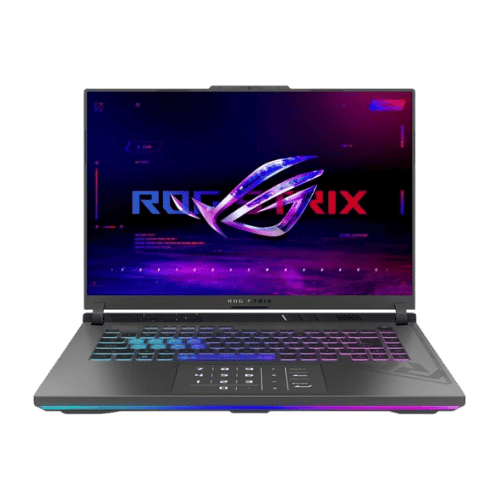
ASUS ROG Strix G16 — Intel Core i7
★4.6(31)PageBen
ASUS ROG Zephyrus G14 (2025, RTX 5070)
★4.6(140)Amazon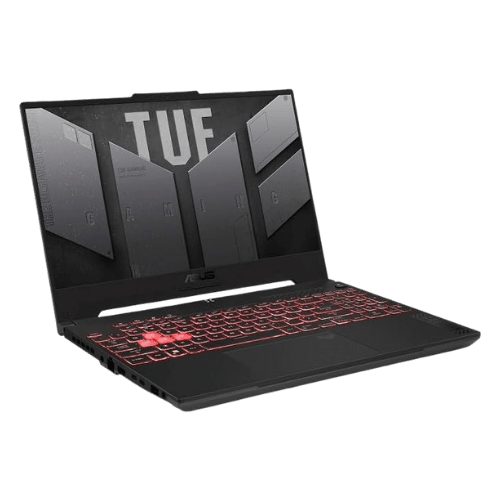
ASUS TUF Gaming A15 15.6" 144Hz Gaming Laptop (FA507NU-DS74, Ryzen 7 7735HS/RTX 4050, 16GB/1TB)
★4.5(2)Amazon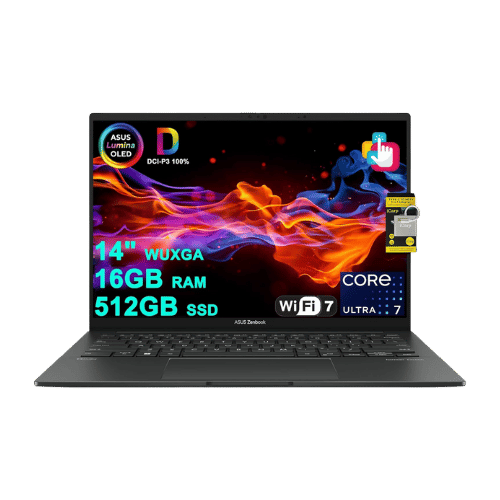
ASUS Zenbook 14 OLED Core Ultra 5 125H)
★4(4)Amazon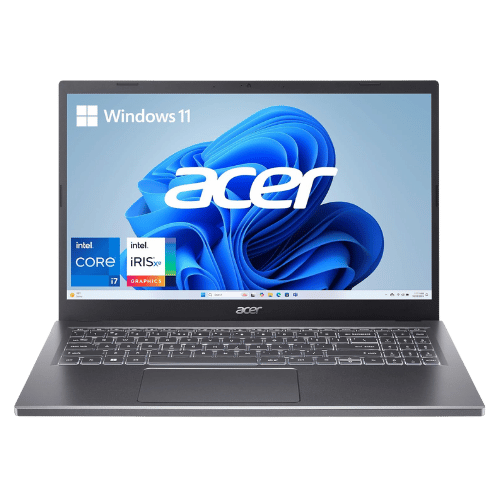
Acer Aspire 5 15 Laptop Core i7-1355U)
★4.5(107)PageBen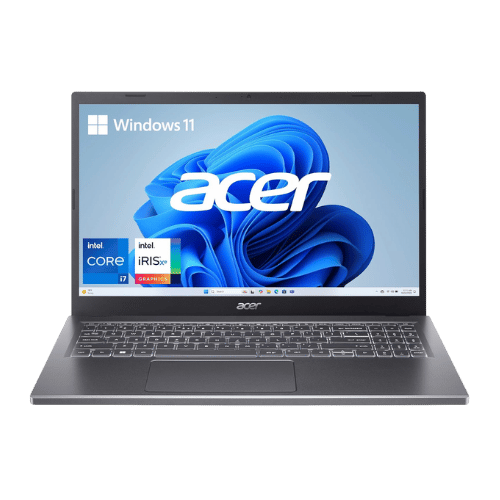
Acer Aspire 5 15 Slim Laptop (A515-58M-7570, i7-1355U)
★4.5(120)PageBenThe Bottom Line: ASUS Chromebook Plus CX34
The ASUS Chromebook Plus CX34 earns our strong recommendation for 2026. Key strengths include its excellent port selection and a spacious, comfortable backlit keyboard and bright, sharp FHD display for the price point. For budget buyers, it delivers impressive value without major compromises.
Final verdict: With a 4.5/5 rating, the ASUS Chromebook Plus CX34 is an excellent pick. If it fits your budget and needs, it's hard to go wrong.
Frequently Asked Questions
+ Is the ASUS Chromebook Plus CX34 worth buying in 2026?
Yes, the ASUS Chromebook Plus CX34 is worth it if you prioritize excellent port selection and a spacious, comfortable backlit keyboard. With a 4.5/5 rating, it stands out in the laptops category. However, consider that plastic chassis feels less premium than the price might suggest. Check our detailed verdict above.
+ What are the main specs of ASUS Chromebook Plus CX34?
Key specifications include: Processor: Intel Core i3-1215U (also offered with Core i5-1235U/i5-1335U), Graphics: Intel UHD Graphics, RAM: 8GB LPDDR5, Storage: 128GB or 256GB (SSD/UFS storage + microSD variants). See the full specifications table above for complete technical details.
+ Where is the best place to buy ASUS Chromebook Plus CX34?
For US buyers, Amazon offers the best combination of competitive pricing, fast Prime shipping, easy returns, and reliable warranty support. Use our affiliate links above to check current prices and availability.
+ What are the pros and cons of ASUS Chromebook Plus CX34?
Pros: Excellent port selection and a spacious, comfortable backlit keyboard; Bright, sharp FHD display for the price point; Strong battery life that regularly exceeds the 10-hour rating in light use. Cons: Plastic chassis feels less premium than the price might suggest; 8GB RAM is the ceiling on most configs — can feel tight with many Chrome tabs open. See our detailed breakdown above for the complete analysis.
+ How does ASUS Chromebook Plus CX34 compare to alternatives?
Compare with other laptops options in our comparison section above to see side-by-side specs, ratings, and pros/cons.
+ Are PageBen reviews independent and unbiased?
Yes. PageBen is an independent review site. While we use affiliate links for monetization, our recommendations are research-driven and based on objective specifications, user feedback, and real-world performance. We are not sponsored by manufacturers.
💡 You may also like
View all →These are popular picks in Laptops

Dell XPS 13 (9340, 2024) — Intel Core Ultra 7 155H
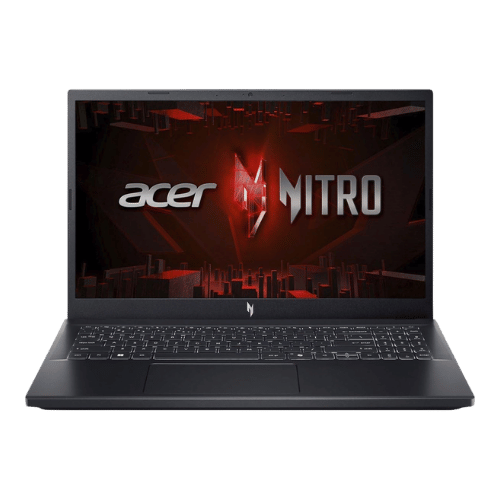
Acer Nitro V 15 Gaming Laptop i5-13420H

Apple MacBook Air 13-inch (M3, 2024)
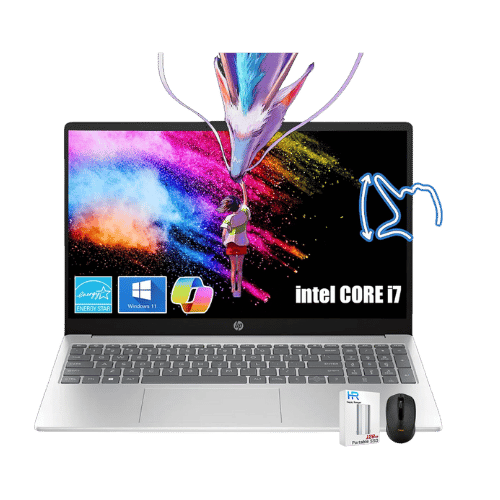
HP 15.6" Pavilion Touch Laptop Core i7-1355U

Apple MacBook Air 13-inch (M4, 2025)

Apple MacBook Air 15-inch (M4, 2025)
ℹ️ Affiliate notice: This site includes Amazon affiliate links. If you buy through them, we may earn a commission at no extra cost to you. Thanks for supporting independent reviews.