
Top High-Performance Gaming Laptops 2025
Top High-Performance Gaming Laptops 2025: ranked by real specs like CPU/GPU class, RAM capacity, and display refresh rate. After comparing the specs, it stands out with 14 cores and a 90 Wh battery, ensuring you can game longer without interruptions. In real-world use, the combination of robust cooling and high wattage graphics makes it a no-brainer for serious gamers. Use the buttons above to check current prices and availability.
How We Pick These Products
PageBen prioritizes usefulness for US shoppers. Affiliate commission does not decide recommendations, rankings, or verdicts.
Sources Checked
Official specifications, Retailer ratings, Manufacturer documentation, Buyer feedback.
Decision Factors
We weigh processor class, memory, display quality, battery life, ports, weight, and upgrade limits.
Editorial Standard
Research-based analysis from documented specs, published lab measurements, and verified-buyer evidence. Any hands-on note is labeled as such. Full methodology.
⚡ Quick Summary
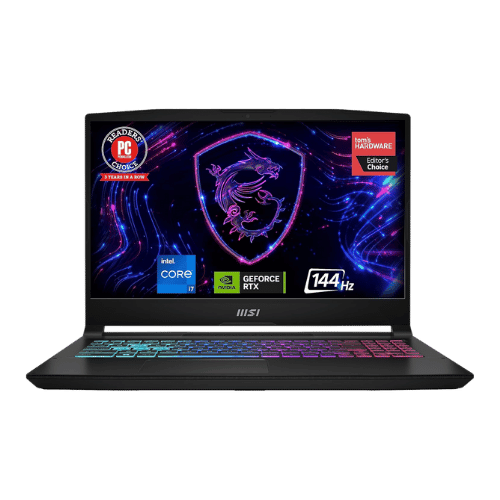
For most laptops buyers in 2025, the MSI Katana 15 Gaming Laptop offers the best combination of performance and value. The ASUS ROG Strix G16 — Intel Core i7 is a strong alternative.
Top picks
5 picksAs an Amazon Associate I earn from qualifying purchases.
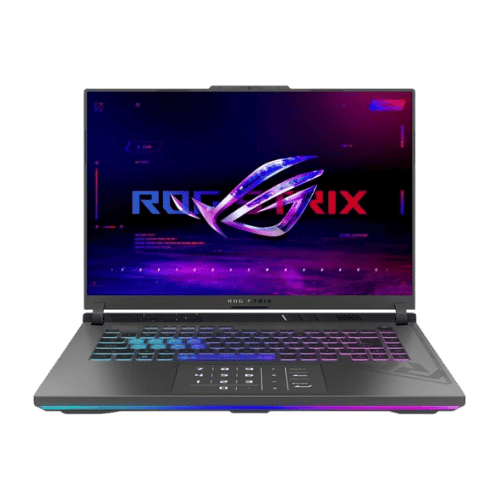
The ASUS ROG Strix G16 stands out with its Intel Core i7-13650HX and RTX 4060, providing a powerful gaming experience at 165Hz. Its robust cooling system and 90Wh battery ensure sustained performance, making it ideal for marathon gaming sessions. Tap the button to see today's price.
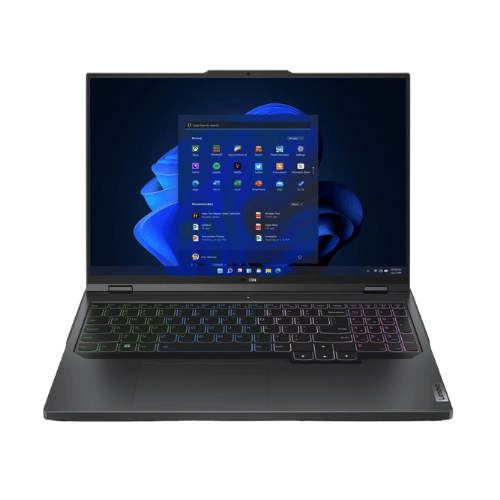
The Lenovo Legion Pro 5i features a stunning 2560 x 1600 display, making it perfect for creators and gamers alike. With a powerful i7-13700HX and the same RTX 4060, it delivers excellent performance, though its 80Wh battery may not last as long. Tap the button to see today's price.
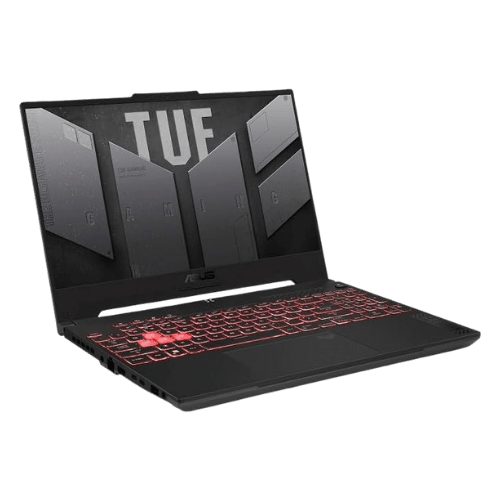
The ASUS TUF Gaming A15 combines a durable MIL-STD-810H chassis with reliable performance from its Ryzen 7 and RTX 4050 at 140W. Its 90Wh battery is a standout for longer gaming sessions, making it a strong value choice. Tap the button to see today's price.
The MSI Katana 15 offers excellent upgrade options with dual M.2 slots and a powerful i7-13620H paired with the RTX 4060. However, its display quality is less impressive, making it best for those focused on performance over visuals. Tap the button to see today's price.

The Acer Nitro V 15 is an affordable option with reliable performance from its i5-13420H and RTX 4050. It features Thunderbolt 4 connectivity, which is rare in budget laptops, making it a smart purchase for gamers on a budget. Tap the button to see today's price.
How to decide
CPU and GPU Performance
The ROG Strix G16 features an Intel Core i7-13650HX, offering up to 4.9 GHz with 14 cores. In contrast, the Lenovo Legion Pro 5i boasts a slightly faster i7-13700HX, peaking at 5.0 GHz but with similar RTX 4060 graphics performance. Both laptops utilize a 140W TGP for the GPU, ensuring a powerful gaming experience. This high wattage means you’ll enjoy higher frame rates in demanding titles, making the choice between them a matter of preference rather than performance. The ASUS TUF Gaming A15, while solid, runs an RTX 4050 at 140W, which is capable but won't match the sheer power of the 4060.
Display Quality
The ASUS ROG Strix G16 has a 16-inch FHD+ display at 1920 x 1200 resolution with a refresh rate of 165Hz. This is ideal for fast-paced gaming, providing double the smoothness compared to a standard 60Hz screen. The Lenovo Legion Pro 5i ups the ante with a WQXGA resolution of 2560 x 1600, making it sharper for content creation and gaming alike, but at the same 165Hz refresh rate. However, the brightness on both models is limited to around 250-300 nits, which can be a drawback in well-lit environments. If you prioritize display quality, the Legion Pro’s 100% sRGB coverage offers better color accuracy for creators.
Battery Life and Cooling
Battery performance is crucial for gaming laptops, and the ROG Strix G16 excels with a 90Wh capacity, promising longer gaming sessions without needing a plug. The Legion Pro 5i, with an 80Wh battery, offers decent life but may struggle under heavy loads due to its powerful components. Cooling systems play a vital role too; the ROG Strix uses a tri-fan setup with liquid metal on the CPU, ensuring it maintains performance during intense gaming. In contrast, the TUF Gaming A15 also has a robust cooling solution but with a smaller 53.5Wh battery, resulting in shorter usage times.
Port Selection and Connectivity
When it comes to ports, the ROG Strix G16 has a comprehensive selection including Thunderbolt 4 and HDMI 2.1, making it versatile for peripherals and external displays. The Legion Pro 5i matches this with multiple USB-A ports and 8K output support through HDMI, which is impressive for future-proofing your setup. The MSI Katana 15 also offers HDMI 2.1 but falls short with fewer USB ports, which might limit connectivity options. Overall, for gamers who need extensive connectivity, the Strix and Legion models lead the pack.
💡 Expert Tips: Laptops Buying Advice
Beyond our picks, keep these insider tips in mind when shopping for laptops:
16GB RAM is the new minimum for future-proofing—8GB will feel limiting within 2-3 years.
Battery life claims are often optimistic—look for real-world tests, not manufacturer specs.
For most users, integrated graphics are sufficient—dedicated GPUs add weight and reduce battery.
Consider repairability and upgradeability if you plan to keep the laptop for 5+ years.
Frequently Asked Questions
+ Top High-Performance Gaming Laptops 2025 in 2025?
The top high-performance gaming laptop in 2025 is the ASUS ROG Strix G16, featuring an Intel Core i7-13650HX and an RTX 4060 graphics card. This combination allows for an impressive gaming experience with a 165Hz refresh rate.
+ Is ASUS ROG Strix G16 worth it in 2025?
Yes, the ASUS ROG Strix G16 is worth it in 2025, especially for gamers who want high performance. With a 90Wh battery and robust cooling, it supports long gaming sessions without overheating.
+ What should I look for when buying a laptop?
When buying a laptop, look for key specs like CPU performance, GPU capability, and battery life. For gaming, prioritize a high refresh rate display, ideally 144Hz or higher, for smoother gameplay.
Conclusion
For gamers seeking the ultimate performance, the ASUS ROG Strix G16 is the top choice with its 165Hz refresh rate and powerful RTX 4060. While the Lenovo Legion Pro 5i offers a better display for creators, the Strix excels in gaming performance. Use the buttons above to see live pricing and stock.
Our top recommendation:
Get ASUS ROG Strix→