
MacBook Air M4 vs Windows Ultrabooks: Best Laptops of 2026
MacBook Air M4 vs Windows Ultrabooks: Best Laptops of 2026 is a crucial comparison for buyers seeking the top laptops of this year. When it comes to performance, battery life, and overall value, the choice between Apple's MacBook Air M4 and various Windows ultrabooks can be overwhelming. This guide aims to clarify which laptop stands out in 2026, helping you make an informed decision. Use the buttons above to check current prices and availability.
How We Pick These Products
PageBen prioritizes usefulness for US shoppers. Affiliate commission does not decide recommendations, rankings, or verdicts.
Sources Checked
Official specifications, Retailer ratings, Manufacturer documentation, Buyer feedback.
Decision Factors
We weigh processor class, memory, display quality, battery life, ports, weight, and upgrade limits.
Editorial Standard
Research-based analysis from documented specs, published lab measurements, and verified-buyer evidence. Any hands-on note is labeled as such. Full methodology.
⚡ Quick Summary
For most laptops buyers in 2026, the Apple MacBook Air 13-inch (M4, 2025) offers the best combination of performance and value. The Apple MacBook Air 15-inch (M4, 2025) is a strong alternative, while the ASUS Chromebook Plus CX34 delivers excellent value on a tighter budget.
Top picks
As an Amazon Associate I earn from qualifying purchases.
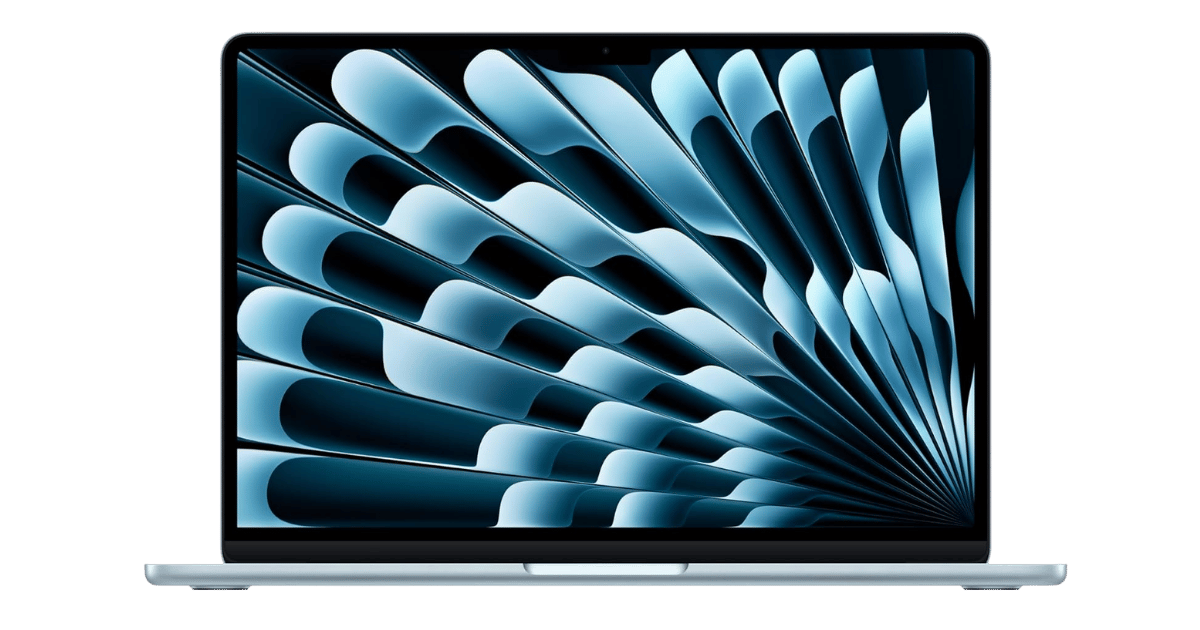
The 13-inch MacBook Air M4 provides exceptional performance with its 10-core CPU and up to 18 hours of battery life, all starting at just $999. Its fanless design ensures silent operation, making it perfect for students and professionals alike. Plus, with 16GB of unified memory as the base configuration, it offers great multitasking capabilities. Tap the button to see today's price.
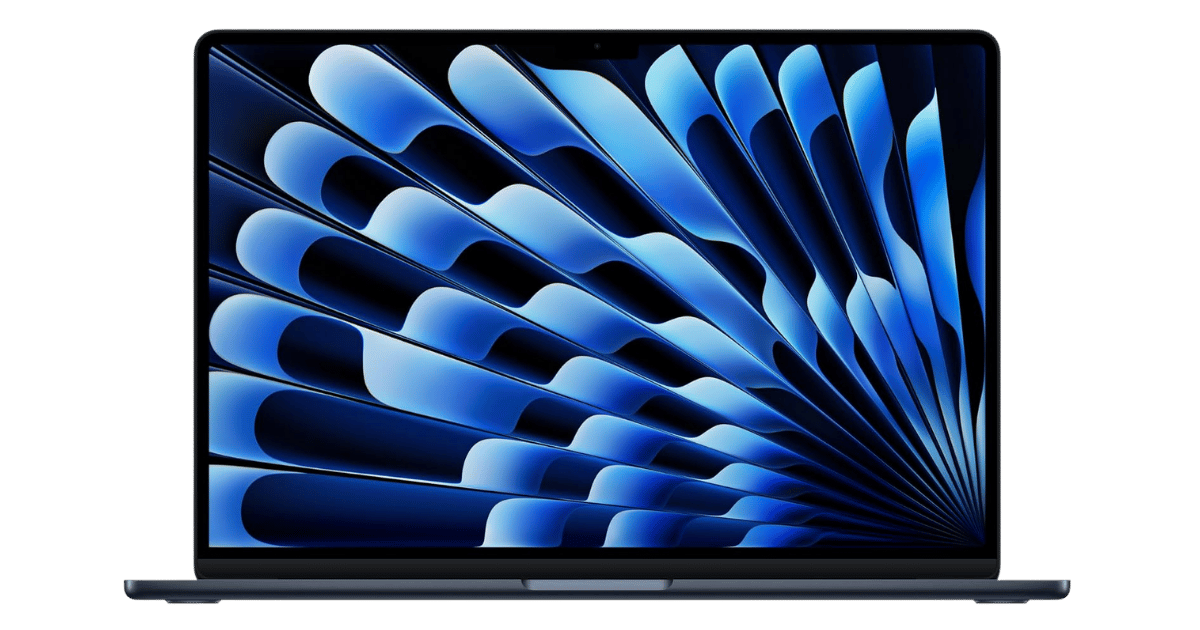
The 15-inch MacBook Air offers a larger display while maintaining the same powerful M4 chip and outstanding battery life. At $1,199, it delivers a great balance of performance and screen real estate for multitasking. This model is ideal for users who prefer a bigger screen for creative work. Tap the button to see today's price.
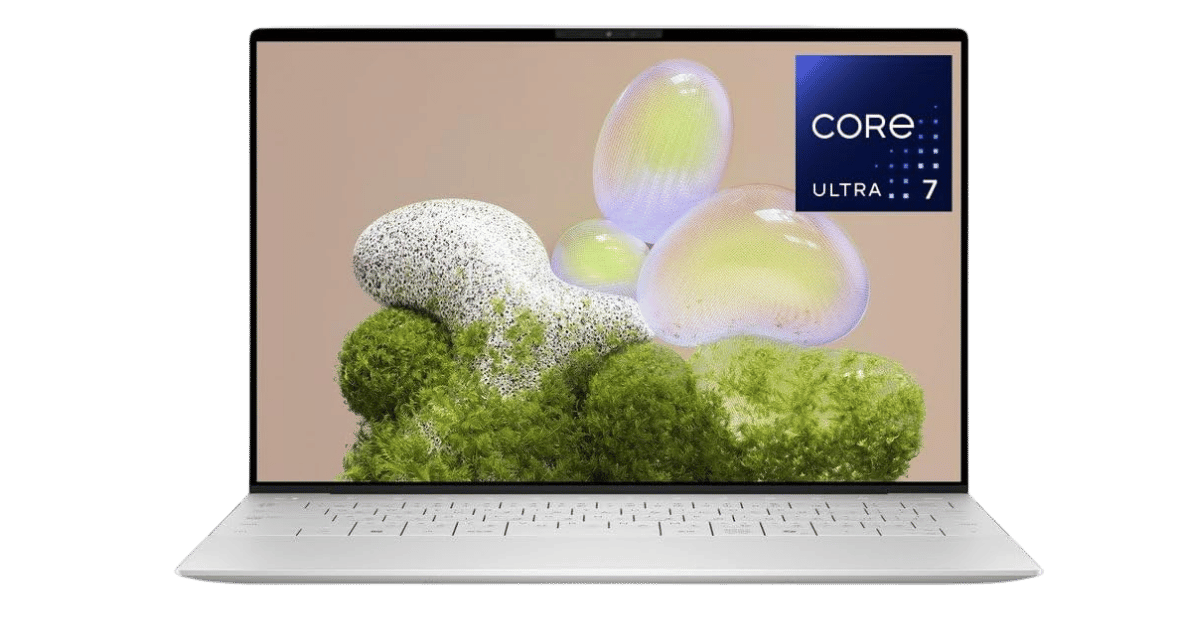
Starting at $1,299, the Dell XPS 13 offers a premium build and impressive battery life of up to 26 hours, making it ideal for users who demand both style and longevity. The InfinityEdge display provides a stunning visual experience, while its compact form factor is perfect for travel. Tap the button to see today's price.
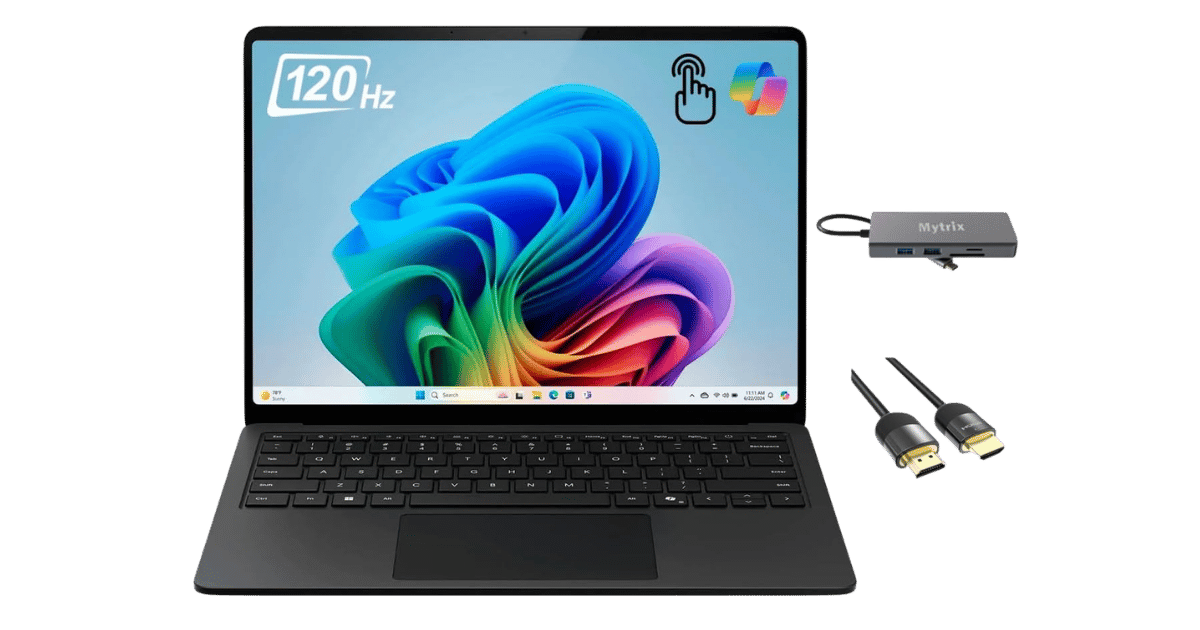
The Surface Laptop 7 starts at $1,099, featuring a stunning 120Hz PixelSense display and excellent battery life of up to 20 hours. It is a strong pick for casual users who prioritize multimedia consumption and portability. While it may not handle intensive tasks as effectively, its design and display capabilities stand out. Tap the button to see today's price.
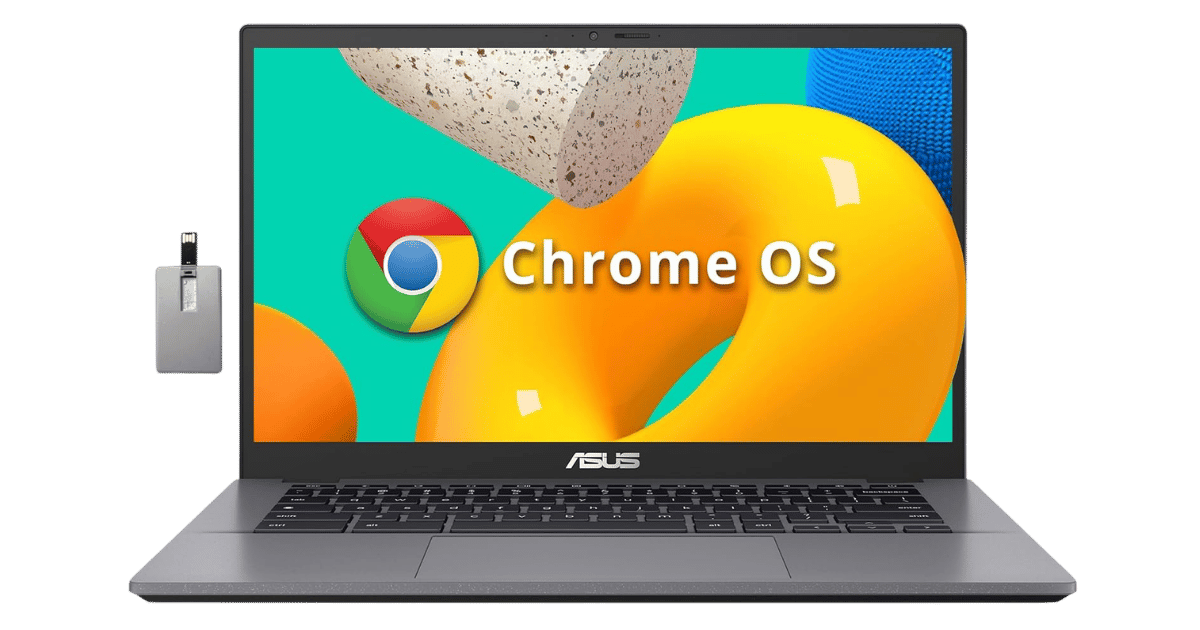
At around $400, the ASUS Chromebook Plus CX34 is a budget-friendly option that offers solid performance for everyday tasks. While it lacks the high-end specs of other models, its value for basic computing needs makes it a viable choice for students or casual users. Tap the button to see today's price.
How to decide
Performance per watt: M4 vs Snapdragon vs Intel
The Apple MacBook Air M4 features a 10-core CPU that excels in efficiency, with up to 18 hours of battery life, while the Intel Core Ultra 7 256V in the Dell XPS 13 boasts a remarkable battery life of up to 26 hours on the FHD+ configuration. The Snapdragon X in the Microsoft Surface Laptop 7 delivers an impressive 20 hours of battery life, but struggles with app compatibility compared to its Intel and Apple counterparts. In terms of raw performance, the M4 chip offers significant advantages in both CPU and GPU tasks, particularly for creative workloads. Overall, if you're looking for the best performance per watt, the Intel-based Dell XPS 13 edges out slightly due to its extended battery life.
Display quality and battery life compared
The MacBook Air's Liquid Retina display, available in 13.6 and 15.3 inches, boasts a resolution of 2560 x 1664 and 2880 x 1864, respectively, both with a brightness of 500 nits. In comparison, the Dell XPS 13 offers a stunning InfinityEdge display with up to 2880 x 1800 resolution and optional 3.5K OLED, providing vibrant colors and deep contrasts. The Surface Laptop 7's 120Hz PixelSense display stands out with a resolution of 2304 x 1536 and a brightness of 600 nits, making it excellent for multimedia consumption. However, the MacBook Air's 18-hour battery life remains competitive against the XPS 13's claim of 26 hours, making it a strong contender for users who prioritize both visuals and longevity.
Price and value: which ultrabook wins
The MacBook Air M4 starts at $999 for the 13-inch model and $1,199 for the 15-inch version, offering robust performance at a competitive price. The Dell XPS 13 begins around $1,299, which is higher than the base MacBook Air, but offers excellent build quality and features. The Surface Laptop 7 is priced around $1,099, making it a mid-range option that provides solid performance and a high-quality display. Ultimately, for those on a budget, the MacBook Air provides the best value, while the Dell XPS justifies its higher price with premium features and battery life.
Port selection and repairability
The MacBook Air is equipped with two Thunderbolt 4 ports and a MagSafe 3 connector, which may limit connectivity options for some users. In contrast, the Dell XPS 13 also offers two Thunderbolt 4 ports but lacks additional ports, necessitating adapters for external connections. The Surface Laptop 7 provides a more versatile port selection with two USB-C ports, one USB-A port, and a 3.5mm headphone jack, making it easier to connect various peripherals. Repairability is a concern for all three models, especially the MacBook Air and XPS, which are challenging to service due to their tightly integrated designs.
Best pick for students, creators, and business
For students, the MacBook Air M4 offers a lightweight design and long battery life, making it ideal for on-the-go use. Creators will appreciate the processing power of the M4 chip, especially with the enhanced graphics capabilities. Business users may find the Dell XPS 13's premium build and extended battery life more appealing for professional environments. The Surface Laptop 7 shines in casual use, thanks to its excellent display and portability, but may not meet the demands of more intensive tasks due to its ARM architecture. Each laptop has its strengths, catering to different user needs.
💡 Expert Tips: Laptops Buying Advice
Beyond our picks, keep these insider tips in mind when shopping for laptops:
16GB RAM is the new minimum for future-proofing—8GB will feel limiting within 2-3 years.
Battery life claims are often optimistic—look for real-world tests, not manufacturer specs.
For most users, integrated graphics are sufficient—dedicated GPUs add weight and reduce battery.
Consider repairability and upgradeability if you plan to keep the laptop for 5+ years.
Frequently Asked Questions
+ What is the macbook air m4 vs windows ultrabooks: best laptops of 2026 in 2026?
The MacBook Air M4 offers exceptional performance and battery life at a competitive price, making it a top contender against Windows ultrabooks like the Dell XPS 13 and Microsoft Surface Laptop 7. Each model has unique strengths, but the MacBook Air is particularly favored for its lightweight design and efficiency.
+ Which laptop has the best battery life in 2026?
The Dell XPS 13 claims up to 26 hours of battery life, making it the standout choice for longevity. The MacBook Air M4 also performs well, offering up to 18 hours, while the Surface Laptop 7 provides an estimated 20 hours.
+ Is the MacBook Air M4 good for gaming?
While the MacBook Air M4 features an 8-core GPU capable of handling light gaming, it is not designed for intensive gaming performance. For dedicated gaming, consider Windows ultrabooks with more powerful dedicated graphics options.
+ How does the display quality compare among these laptops?
The MacBook Air's Liquid Retina display offers sharp visuals, but the Dell XPS 13's optional 3.5K OLED panel provides even more vibrant colors. The Surface Laptop 7 features a 120Hz PixelSense display, which is excellent for multimedia but may not be as color-accurate as the XPS.
Conclusion
In the battle of MacBook Air M4 vs Windows Ultrabooks: Best Laptops of 2026, buyers can find compelling options tailored to their needs. The MacBook Air shines in portability and performance, while Windows ultrabooks like the Dell XPS 13 offer premium features and battery life. With prices ranging from around $400 to $1,299, there's something for everyone. Use the buttons above to see live pricing and stock.
Our top recommendation:
Get Apple MacBook Air→