
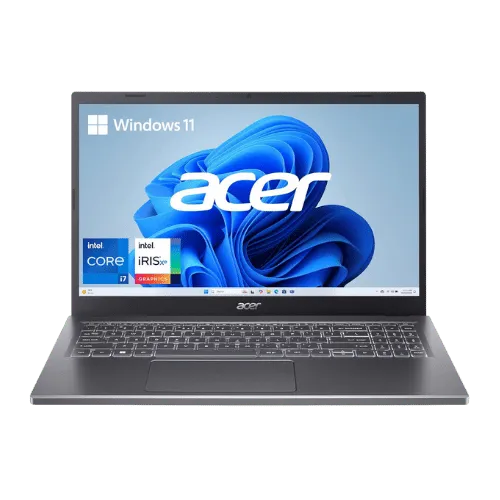
Is the Acer Aspire 5 15 Slim Laptop (A515-58M-7570, i7-1355U) Worth It in 2026?
Affiliate Disclosure: As an Amazon Associate I earn from qualifying purchases. This comes at no extra cost to you.
Quick Verdict:
Yes—the Thunderbolt 4 support and i7-1355U processor make it a no-brainer for productivity.
How This Verdict Was Reached
PageBen prioritizes usefulness for US shoppers. Affiliate commission does not decide recommendations, rankings, or verdicts.
Sources Checked
Official specifications, Retailer ratings, Manufacturer documentation, PageBen research.
Decision Factors
We weigh processor class, memory, display quality, battery life, ports, weight, and upgrade limits.
Editorial Standard
Research-based analysis from documented specs, published lab measurements, and verified-buyer evidence. Any hands-on note is labeled as such. Full methodology.
Is Acer Aspire 5 15 Slim Laptop (A515-58M-7570, i7-1355U) worth it? Yes, it’s a great buy for students and professionals thanks to its 13th Gen Intel Core i7 and Thunderbolt 4 support. This laptop is tailored for those needing reliable performance without breaking the bank. However, if you're a heavy gamer or need extensive upgrade options, this might not be the right fit for you. PageBen sees this as a strong value proposition for productivity-focused users.
Is the Price Justified?
The Acer Aspire 5 balances price and performance exceptionally well. With a 16 GB LPDDR5 RAM and 512 GB PCIe Gen4 NVMe SSD, it offers a fast and responsive experience, especially for multitasking and quick file access. In 2026, similar mid-range laptops often skimp on RAM or storage, making this a competitive offering. Compared to other devices in its class, the integration of Thunderbolt 4 is rare, adding to its appeal for users needing high-speed connectivity. You’re not just investing in a laptop; you’re getting future-proof features that enhance your productivity.
3 Reasons to Buy
1. Thunderbolt 4 Support
Additionally, this support future-proofs the laptop against upcoming technology, ensuring you can take advantage of advanced peripherals. For professionals who need efficient workflows, this feature alone enhances the overall value of the Acer Aspire 5.
2. Impressive RAM and Storage
The 512 GB PCIe Gen4 NVMe SSD provides quick boot times and fast file access, crucial for users who value speed. This means less waiting and more productivity, giving you a significant edge in daily tasks.
3. Quality Webcam for Remote Work
This makes the Acer Aspire 5 a strong fit for anyone focused on remote collaboration or education, ensuring you present your best self during video calls.
Reasons to Skip It
Limited Upgrade Options
Many competitors in this price bracket offer upgradable RAM options, which can be a significant advantage for users who want longevity in their investment.
Display Limitations
This could affect your workflow and the quality of your output, making it necessary to consider how crucial display quality is for your specific tasks.
Technical Analysis
Key Specs at a Glance
The Intel Core i7-1355U delivers strong performance with its 10 cores (2 performance and 8 efficiency), providing a base clock of 1.70 GHz and turbo speeds up to 5.0 GHz. This means you can handle demanding applications and multitask efficiently without lag. For casual gaming and everyday tasks, the Intel Iris Xe Graphics will suffice, but it’s not designed for high-end gaming or graphic-intensive applications. The 15.6" FHD IPS display offers decent quality for most tasks, although the 250 nits brightness and 45% NTSC color gamut may not satisfy graphic designers seeking accurate colors. Battery life, powered by a 50 Wh battery, should get you through a typical workday, but expect to charge it regularly if you’re using demanding applications. The TwinAir Cooling system is a significant improvement over previous models, helping keep the laptop cooler during intense workloads.
Who Is This For?
Best for students and professionals who need a reliable workhorse for everyday tasks, the Acer Aspire 5 offers a robust combination of performance and features. With Thunderbolt 4 support and 16 GB of RAM, it can handle productivity software smoothly, making it perfect for remote learning or home office setups.
How It Stacks Up Against Alternatives
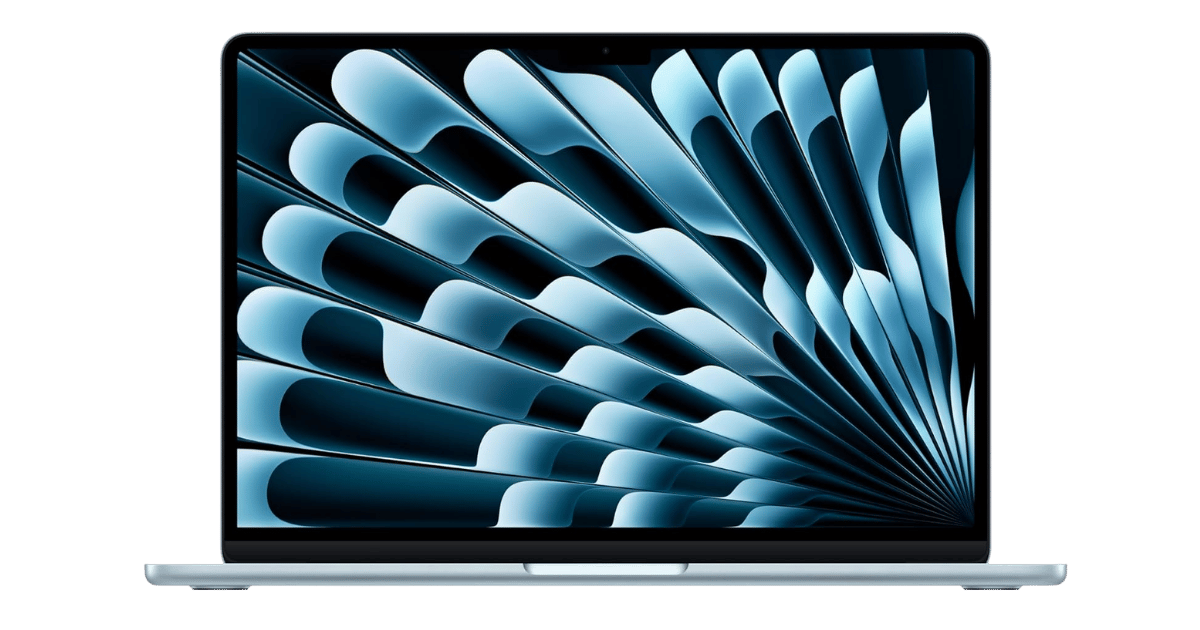
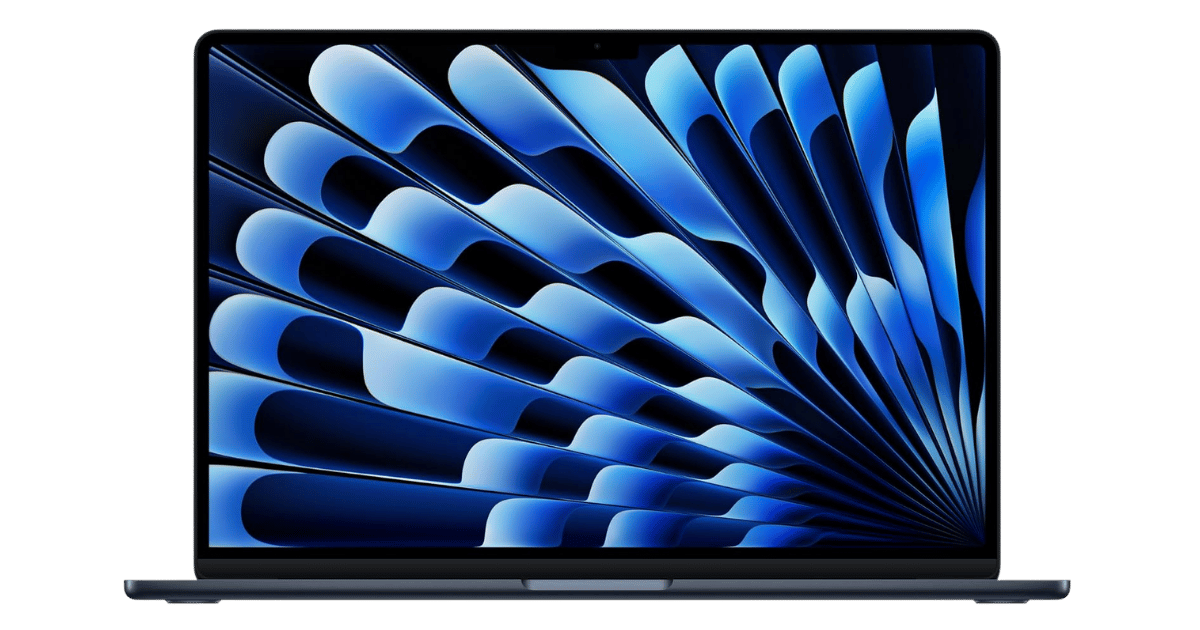
Competes in the mid-range segment alongside 10 other options.
Direct Competitors:

What to Expect Long-Term
Beyond the initial purchase, here's what to consider about owning the Acer Aspire 5 15 Slim Laptop (A515-58M-7570, i7-1355U):
Durability
Standard laptops last 3-5 years before performance feels dated. Budget builds may show wear earlier.
Support & Warranty
Apple offers the longest software support (5+ years). Windows laptops vary by manufacturer.
Upgrade Path
Consider upgradeability: RAM and SSD upgrades can extend useful life by 2-3 years.
Resale Value
Budget laptops have minimal resale value after 2 years—plan to use until end of life.
Final Decision: Should You Buy It?
✓ Buy if:
- You need a reliable laptop for productivity and remote work.
- You want fast connectivity with Thunderbolt 4.
- You require a decent webcam for video conferencing.
✗ Skip if:
- You need more RAM and upgrade options for future-proofing.
- You are a graphic designer needing superior display quality.
The Acer Aspire 5 15 Slim Laptop (A515-58M-7570, i7-1355U) earns its price tag. That Thunderbolt 4 support alone makes it worth it for productivity-focused users. PageBen recommends it for anyone needing a balanced laptop for work or school, especially with its solid specs and features like a 1080p webcam. Don’t miss out on this smart buy!
Quick Questions
+ Is the Acer Aspire 5 15 Slim Laptop (A515-58M-7570, i7-1355U) worth buying in 2026?
Yes—the Thunderbolt 4 support and i7-1355U processor make it a no-brainer for productivity.
+ What are the main pros of Acer Aspire 5 15 Slim Laptop (A515-58M-7570, i7-1355U)?
Key advantages: Thunderbolt 4 support (rare in this price bracket); 1080p webcam with noise reduction; Decent port selection including HDMI 2.1. These make it a strong choice in the laptops market.
+ What are the downsides of Acer Aspire 5 15 Slim Laptop (A515-58M-7570, i7-1355U)?
Main considerations: RAM is soldered and cannot be upgraded; Display has limited color gamut (45% NTSC) and average brightness; No SD card slot. Consider whether these affect your specific use case.
+ How long will the Acer Aspire 5 15 Slim Laptop (A515-58M-7570, i7-1355U) last?
Standard laptops last 3-5 years before performance feels dated. Budget builds may show wear earlier.
+ What warranty does Acer Aspire 5 15 Slim Laptop (A515-58M-7570, i7-1355U) come with?
Apple offers the longest software support (5+ years). Windows laptops vary by manufacturer.
+ How does Acer Aspire 5 15 Slim Laptop (A515-58M-7570, i7-1355U) compare to alternatives?
Competes in the mid-range segment alongside 10 other options. Direct competitors include Acer Nitro V 15 Gaming Laptop i5-13420H, Apple MacBook Air 13-inch (M4, 2025), Apple MacBook Air 15-inch (M4, 2025). Check our detailed comparison pages for head-to-head analysis.
+ Where can US buyers get Acer Aspire 5 15 Slim Laptop (A515-58M-7570, i7-1355U)?
For US buyers, Amazon offers competitive pricing, fast Prime shipping, easy returns, and reliable warranty support. Use our link above to check current availability and pricing—prices can fluctuate frequently.