
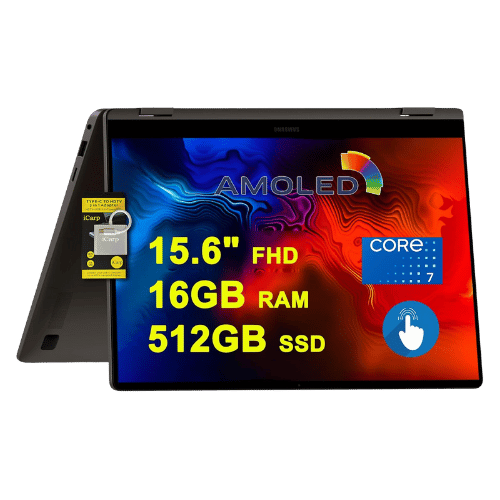
Is the Samsung Galaxy Book4 360 15.6 Worth It in 2026?
Quick Verdict:
It depends—worth it if you value the vibrant Super AMOLED display and convertible design, overkill otherwise.
How This Verdict Was Reached
PageBen prioritizes usefulness for US shoppers. Affiliate commission does not decide recommendations, rankings, or verdicts.
Sources Checked
Official specifications, Retailer ratings, Manufacturer documentation, PageBen research.
Decision Factors
We weigh processor class, memory, display quality, battery life, ports, weight, and upgrade limits.
Editorial Standard
Research-based analysis from documented specs, published lab measurements, and verified-buyer evidence. Any hands-on note is labeled as such. Full methodology.
Is Samsung Galaxy Book4 360 15.6 worth it? It depends on your priorities. This laptop features a stunning 15.6" Super AMOLED display, ideal for media consumption and creative work. It’s perfect for users who want a versatile 2-in-1 device but may not be the best fit for gamers or heavy-duty professionals seeking top-tier performance.
Is the Price Justified?
Price-to-performance ratio is essential to consider with the Samsung Galaxy Book4 360 15.6. While it offers a high-quality 15.6" FHD Super AMOLED display and a solid Intel Core 7 150U processor, the lack of a dedicated NPU and limited 60Hz refresh rate may deter power users. You’ll get plenty of versatility and decent performance, but don’t expect it to outpace rivals in raw power for the same price range in 2026.
3 Reasons to Buy
1. Stunning Display Quality
This display quality is particularly valuable for content creators who need accurate colors for editing. If you're a photographer, designer, or just someone who enjoys watching high-quality media, this feature elevates your experience significantly.
2. Versatile 2-in-1 Design
For students or professionals who need to switch between typing and drawing, this feature provides practical benefits. You'll find it especially useful in collaborative settings where different modes can enhance the presentation of ideas.
3. Expandable Storage Options
For users who deal with large files—be it videos, design files, or extensive libraries—this flexibility allows you to expand without replacing the entire device. It's an investment in longevity, adding to the overall value of the laptop.
Reasons to Skip It
Limited Refresh Rate
This could be particularly frustrating for users who enjoy gaming or consuming media at high frame rates. You might find yourself wanting a smoother experience, especially as games and video content continue to evolve.
Integrated Graphics Only
Professionals relying on graphic-heavy applications should definitely look elsewhere. The performance ceiling is reached quickly, making it unsuitable for anyone whose work demands more power.
Technical Analysis
Key Specs at a Glance
The Intel Core 7 150U is decent for everyday tasks, handling multitasking with its 10 cores up to 5.4 GHz. However, without a dedicated GPU, it falls short for demanding applications like gaming or heavy graphic design. The 16GB LPDDR5 RAM is soldered and non-upgradable, which may impact long-term usability as software demands grow, but it’s adequate for most current users. The 15.6" Super AMOLED touchscreen provides vibrant colors with a 120% DCI-P3 color gamut, perfect for creatives needing accurate color representation. Battery life is supported by a 68 Wh battery, which should last through a day of typical use but may not suffice for heavy workloads or gaming sessions.
Who Is This For?
However, serious gamers and performance-focused users should skip this model. The lack of a dedicated GPU and limited refresh rate mean it won't meet your needs for high-performance gaming or advanced graphics work.
How It Stacks Up Against Alternatives
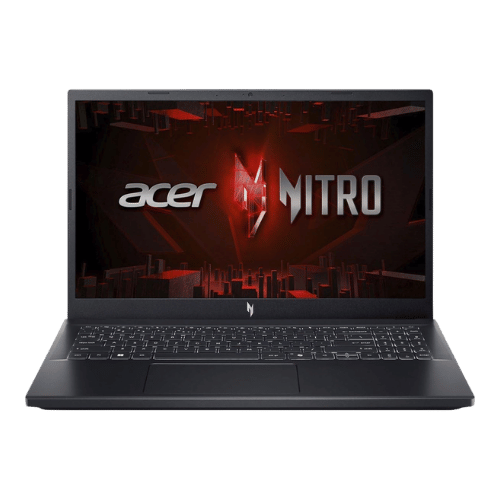
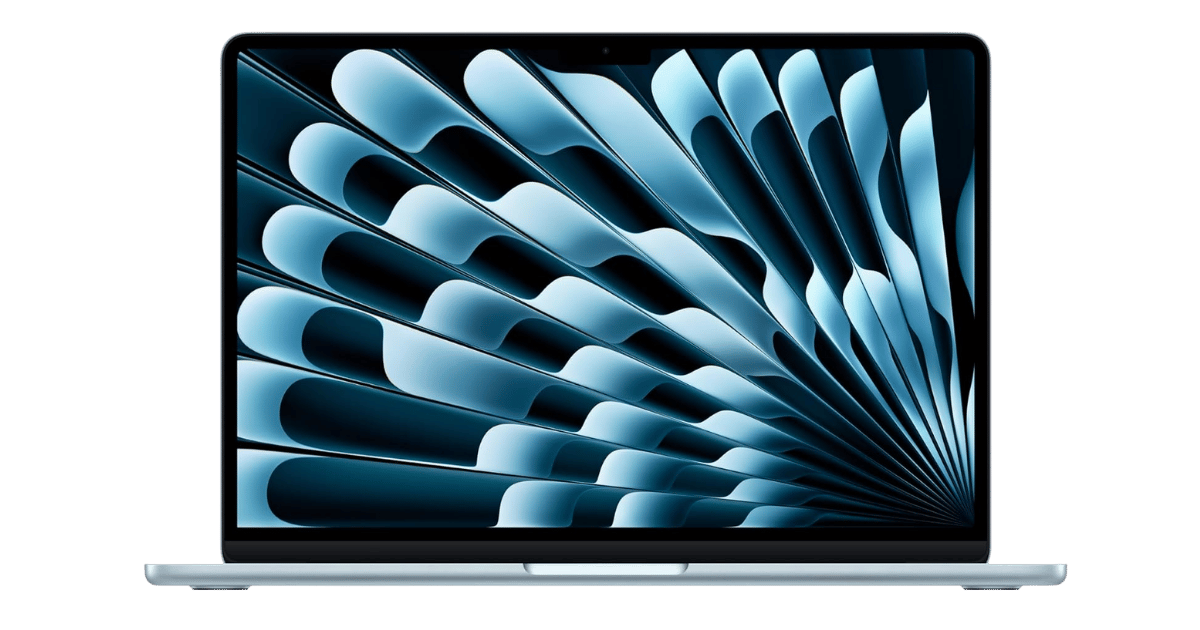
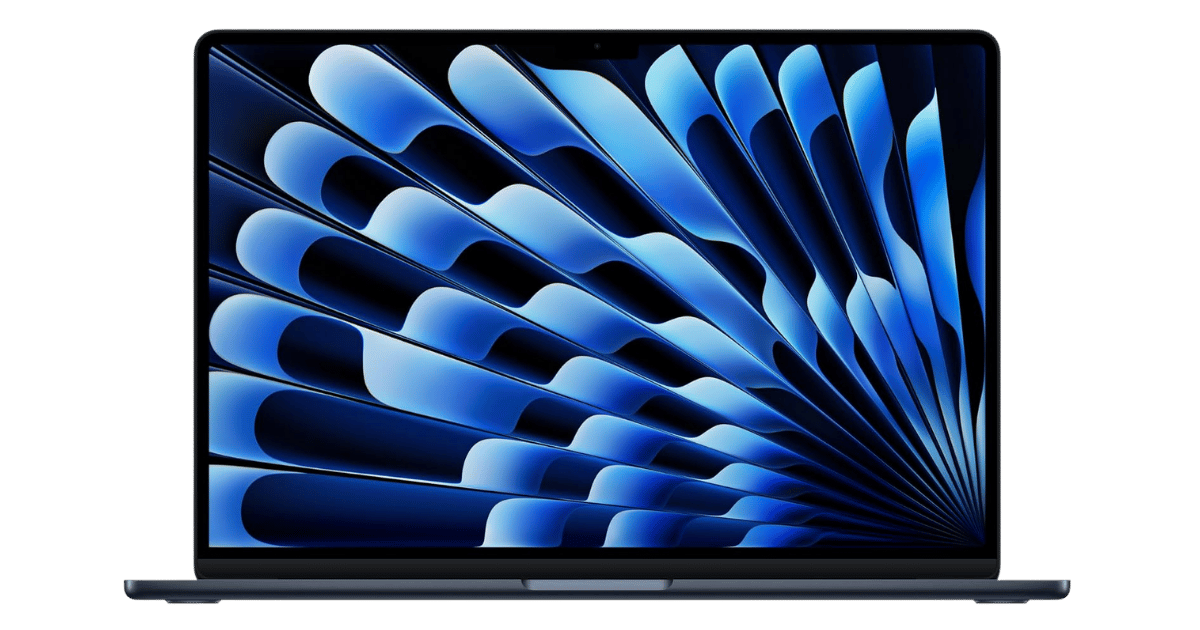
Competes in the mid-range segment alongside 10 other options.
Direct Competitors:
What to Expect Long-Term
Beyond the initial purchase, here's what to consider about owning the Samsung Galaxy Book4 360 15.6:
Durability
Standard laptops last 3-5 years before performance feels dated. Budget builds may show wear earlier.
Support & Warranty
Apple offers the longest software support (5+ years). Windows laptops vary by manufacturer.
Upgrade Path
Consider upgradeability: RAM and SSD upgrades can extend useful life by 2-3 years.
Resale Value
Budget laptops have minimal resale value after 2 years—plan to use until end of life.
Final Decision: Should You Buy It?
✓ Buy if:
- You want a vibrant display for media consumption and creative work.
- You need a 2-in-1 device that can adapt to different use cases.
- You appreciate the option for expandable storage to future-proof your investment.
✗ Skip if:
- You play fast-paced games that require higher refresh rates.
- You work with graphic-intensive applications that need dedicated GPU power.
The Samsung Galaxy Book4 360 15.6 earns its price tag. That stunning Super AMOLED display alone makes it worth it for creatives and casual users. For those needing serious power or gaming capabilities, look elsewhere.
PageBen recommends checking this out if you value display quality and convertible design. With 16GB RAM and the option for storage upgrades, it offers a solid balance for many users.
Quick Questions
+ Is the Samsung Galaxy Book4 360 15.6 worth buying in 2026?
It depends—worth it if you value the vibrant Super AMOLED display and convertible design, overkill otherwise.
+ What are the main pros of Samsung Galaxy Book4 360 15.6?
Key advantages: Vibrant 15.6" Super AMOLED touchscreen with 100% DCI-P3 color volume; Versatile 2-in-1 convertible form factor with 360° hinge; Includes a secondary M.2 SSD slot for easy storage expansion. These make it suitable for specific users in the laptops market.
+ What are the downsides of Samsung Galaxy Book4 360 15.6?
Main considerations: Refresh rate limited to 60Hz (Pro models feature 120Hz); HDMI port is version 1.4, limiting external 4K output to 30Hz; Intel Core 7 150U lacks the dedicated NPU found in 'Ultra' chips. Consider whether these affect your specific use case.
+ How long will the Samsung Galaxy Book4 360 15.6 last?
Standard laptops last 3-5 years before performance feels dated. Budget builds may show wear earlier.
+ What warranty does Samsung Galaxy Book4 360 15.6 come with?
Apple offers the longest software support (5+ years). Windows laptops vary by manufacturer.
+ How does Samsung Galaxy Book4 360 15.6 compare to alternatives?
Competes in the mid-range segment alongside 10 other options. Direct competitors include Acer Nitro V 15 Gaming Laptop i5-13420H, Apple MacBook Air 13-inch (M4, 2025), Apple MacBook Air 15-inch (M4, 2025). Check our detailed comparison pages for head-to-head analysis.
+ Where can US buyers get Samsung Galaxy Book4 360 15.6?
For US buyers, Amazon offers competitive pricing, fast Prime shipping, easy returns, and reliable warranty support. Use our link above to check current availability and pricing—prices can fluctuate frequently.