
Best Monitors for Software Engineers & Coding 2026
Best Monitors for Software Engineers & Coding 2026: ranked by real specs like panel type, refresh rate, and resolution. After comparing the specs, it's clear that this monitor's 2560 x 2880 resolution and Nano IPS panel cover 98% of the DCI-P3 color gamut, making it a powerhouse for coding and creative tasks. In real-world use, the 90W USB-C charging and built-in KVM functionality mean you can easily switch between devices, streamlining your workflow. With 300 nits brightness and a 5 ms response time, this monitor is designed to enhance productivity without breaking the bank. Use the buttons above to check current prices and availability.
How We Pick These Products
PageBen prioritizes usefulness for US shoppers. Affiliate commission does not decide recommendations, rankings, or verdicts.
Sources Checked
Official specifications, Retailer ratings, Manufacturer documentation, Buyer feedback.
Decision Factors
We weigh panel type, resolution, refresh rate, brightness, color coverage, ergonomics, and desk fit.
Editorial Standard
Research-based analysis from documented specs, published lab measurements, and verified-buyer evidence. Any hands-on note is labeled as such. Full methodology.
⚡ Quick Summary
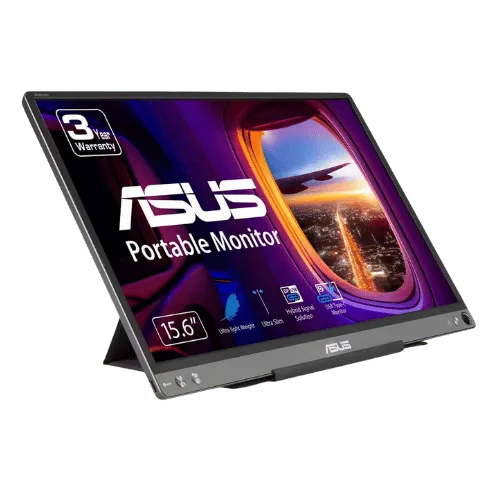
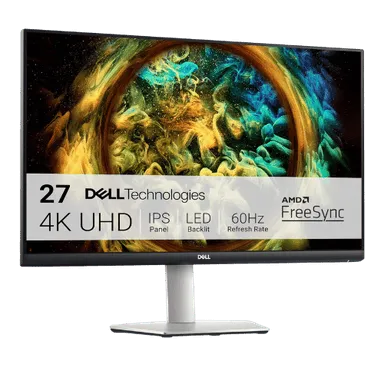
For most monitors buyers in 2026, the ASUS ZenScreen MB16ACE 15.6" FHD Portable Monitor offers the best combination of performance and value. The Dell S2721QS 27" 4K UHD IPS Monitor is a strong alternative.
Top picks
5 picksAs an Amazon Associate I earn from qualifying purchases.
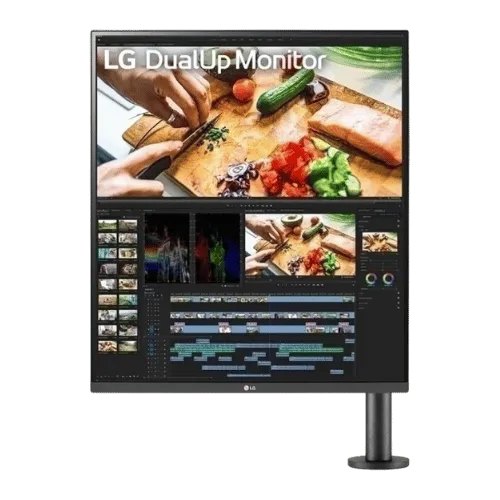
The LG DualUp 28MQ780-B is ideal for software engineers who need a unique vertical workspace that mimics two monitors in one. Its impressive 2560 x 2880 resolution and 98% DCI-P3 color coverage ensure stunning visuals for coding and design work. Plus, the built-in KVM feature allows you to control multiple devices seamlessly. Tap the button to see today's price.
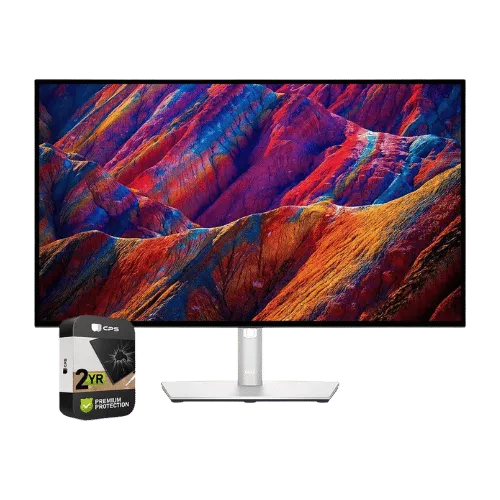
The Dell UltraSharp U2723QE is perfect for those who prioritize color accuracy and 4K resolution. With its 3840 x 2160 display and 100% sRGB coverage, it's a top choice for photo and video editing. The built-in KVM feature allows for easy switching between PCs, making multitasking a breeze. Tap the button to see today's price.
The Dell S2721QS offers a razor-sharp 4K resolution and a fully adjustable ergonomic stand, making it great for home office setups. The 99% sRGB coverage ensures vibrant colors, while the dual HDMI ports provide easy connectivity. At a competitive price, it’s a smart choice for those on a budget. Tap the button to see today's price.
The ASUS ZenScreen MB16ACE is an impressive choice for those needing a portable monitor. Weighing just 1.57 lbs and offering a 1920 x 1080 resolution, it’s perfect for coding on the go. Its smart cover doubles as a stand, making it easy to set up anywhere. Tap the button to see today's price.
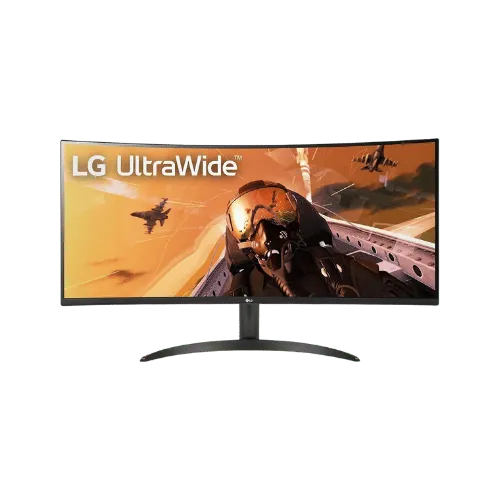
The LG 34WP60C-B is the ultimate ultrawide monitor for gamers and multitaskers. With a 3440 x 1440 resolution and a whopping 160 Hz refresh rate, it delivers a smooth experience for gaming and coding. The 21:9 aspect ratio offers expansive screen space, ideal for split-screen tasks. Tap the button to see today's price.
How to decide
Aspect Ratio and Resolution
The LG DualUp's 16:18 aspect ratio sets it apart, offering the equivalent screen real estate of two traditional monitors without the bezel gap. In contrast, the Dell UltraSharp U2723QE provides a standard 16:9 aspect ratio but boasts a 3840 x 2160 4K resolution. This means while the Dell excels in pixel density, the LG allows for a more vertical workspace, ideal for coding and reading long lines of text. For those needing true 4K, the Dell is a strong contender with its 98% DCI-P3 color coverage, but the LG's unique design is a game-changer for multitasking.
Panel Technology and Color Accuracy
Both the LG DualUp and Dell UltraSharp utilize advanced panel technology, with the LG featuring a Nano IPS panel and the Dell using IPS Black. The LG's color accuracy is impressive, covering 98% of the DCI-P3 color gamut, while the Dell's IPS Black technology delivers a remarkable 2,000:1 contrast ratio. This means deeper blacks and more vibrant colors on the Dell, making it a better choice for photo editing. However, if you value vertical space for coding, the LG's color depth of 1.07 billion colors is still a standout feature.
Refresh Rate and Response Time
While both the LG and Dell monitors are limited to a 60 Hz refresh rate, the LG's 5 ms response time is competitive for coding and general productivity work. The Dell S2721QS also offers a 60 Hz refresh rate but improves on response time with a 4 ms option for smoother transitions. If you're not gaming, these specs are sufficient for coding environments. For those who occasionally play games, consider the LG 34WP60C-B, which boasts a 160 Hz refresh rate, providing a smoother experience during intense action.
💡 Expert Tips: Monitors Buying Advice
Beyond our picks, keep these insider tips in mind when shopping for monitors:
Panel type matters: IPS for color work, VA for contrast, OLED for the best of both.
For gaming, prioritize low input lag and variable refresh rate over raw Hz numbers.
4K is overkill under 27 inches—you won't see the extra pixels at normal viewing distances.
Ergonomic adjustments (height, tilt, pivot) are worth paying for if you work long hours.
Frequently Asked Questions
+ Best Monitors for Software Engineers & Coding 2026 in 2026?
The best monitors for software engineers & coding in 2026 include the LG DualUp 28MQ780-B, offering a unique vertical workspace with a 2560 x 2880 resolution and 90W USB-C charging. This monitor is designed to maximize productivity while ensuring stunning color accuracy.
+ Is LG DualUp 28MQ780-B worth it in 2026?
Yes, the LG DualUp 28MQ780-B is worth it in 2026 for software engineers needing a unique vertical workspace. Its 2560 x 2880 resolution and 98% DCI-P3 color coverage make it ideal for coding and design tasks.
+ What should I look for when buying a monitor?
Look for resolution, refresh rate, and panel type when buying a monitor. A higher resolution like 3840 x 2160 ensures clearer text and images, while a refresh rate of at least 60 Hz provides smoother visuals.
Conclusion
For software engineers, the LG DualUp 28MQ780-B stands out as the best choice with its innovative design and 2560 x 2880 resolution. While the Dell UltraSharp U2723QE excels in color accuracy, it can't match the vertical workspace that the LG offers. Ultimately, the LG is the smarter buy for those looking to enhance their productivity. Use the buttons above to see live pricing and stock.
Our top recommendation:
Get LG DualUp 28MQ780-B→