
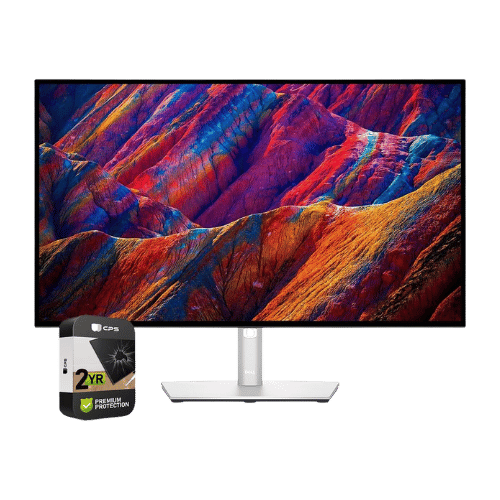
Dell UltraSharp U2723QE 27" 4K USB-C Hub Monitor
27" 4K monitor featuring 'IPS Black' technology for double the contrast of standard IPS. A connectivity powerhouse with 90W USB-C charging, Ethernet, KVM, and daisy-chaining support.
Affiliate Disclosure: As an Amazon Associate I earn from qualifying purchases. This comes at no extra cost to you.
(Affiliate link) — affiliate links help keep our reviews independent at no extra cost to you.
Our Take on Dell UltraSharp U2723QE 27" 4K USB-C Hub Monitor
The Dell UltraSharp U2723QE 27" 4K USB-C Hub Monitor stands out as one of the top performers in the monitors category for 2026. As a flagship option, it represents the pinnacle of monitor technology, targeting users who want the absolute best regardless of price. Its standout strength is its IPS Black technology delivers a 2,000:1 contrast ratio, offering significantly deeper blacks than standard IPS panels.
Market positioning: The Dell UltraSharp U2723QE 27" 4K USB-C Hub Monitor sits at the top of the monitors market, representing the pinnacle of what's available in 2026. This offers cutting-edge technology and premium build quality that justifies its higher price point for enthusiasts and professionals.
Real-world use: Ideal for professionals in photography, video editing, or design who demand color accuracy and screen real estate. The 4.7/5 rating reflects genuine user feedback from real-world usage.
Competitive edge: Display quality, refresh rates, and panel technology combine to make this a standout choice. That said, potential buyers should consider that limited to 60 Hz refresh rate, making it unsuitable for gaming or high-motion video work. Additionally, no built-in speakers (requires external audio or optional magnetic soundbar).
Best For
Enthusiasts and power users who demand the best monitor experience and don't mind paying a premium for cutting-edge technology.
Consider Alternatives If
Limited to 60Hz refresh rate, making it unsuitable for gaming or high-motion video work, or if no built-in speakers (requires external audio or optional magnetic soundbar).
How We Evaluate
PageBen prioritizes usefulness for US shoppers. Affiliate commission does not decide recommendations, rankings, or verdicts.
Sources Checked
Official specifications, Retailer listings, Verified buyer feedback, Manufacturer documentation.
Decision Factors
We weigh panel type, resolution, refresh rate, brightness, color coverage, ergonomics, and desk fit.
Editorial Standard
Research-based analysis from documented specs, published lab measurements, and verified-buyer evidence. Any hands-on note is labeled as such. Full methodology.
Who Should Buy Dell UltraSharp U2723QE 27" 4K USB-C Hub Monitor?
Not every product is right for every buyer. Here's how the Dell UltraSharp U2723QE 27" 4K USB-C Hub Monitor matches different user profiles:
Quality Seekers
Great fitHigh ratings and flagship positioning mean you're getting top-tier performance and reliability.
Budget Shoppers
Look elsewherePremium pricing means better value exists at lower tiers if budget is tight.
Power Users
Great fitFlagship specs and proven performance handle demanding workloads with ease.
First-Time Buyers
ConsiderPremium pricing might be overkill if you're still learning what you need.
Key specifications
27" Viewable (27" Class)
3840 x 2160 (4K UHD)
16:9
IPS Black
60 Hz
5 ms (GtG Fast) / 8 ms (GtG Normal)
400 nits (Typical)
2,000:1 (Static)
100% sRGB / 100% Rec.709 / 98% DCI-P3
1.07 Billion (10-bit via 8-bit + FRC)
VESA DisplayHDR 400
No (Not supported)
178° (H) / 178° (V)
Flat
No (None; compatible with Dell SB521A Soundbar)
1x HDMI 2.0; 1x DisplayPort 1.4; 1x DisplayPort Out (MST); 1x USB-C (DP Alt, 90W PD); 1x USB-C Upstream (Data/KVM); 1x USB-C Downstream (15W); 4x USB-A 3.2 Gen 2; 1x RJ45 Ethernet; 1x 3.5mm Audio Out
Yes (90W Power Delivery + Video + Data + Daisy Chain)
Yes (Built-in Auto KVM)
100 x 100 mm
Height (150mm), Swivel (-30° to 30°), Pivot (90°), Tilt (-5° to 21°)
26 W (Typical) / 220 W (Max with full Hub load) / 0.3 W (Standby)
6,640 g (14.64 lbs)
What These Specs Mean For You
Numbers don't tell the whole story. Here's what the Dell UltraSharp U2723QE 27" 4K USB-C Hub Monitor's specifications actually mean in daily use:
Resolution
•3840 x 2160 (4K UHD)Key spec3840 x 2160 (4K UHD) resolution determines sharpness and screen real estate for work.
Screen Size
•27" Viewable (27" Class)Screen Size of 27" Viewable (27" Class) for this monitors.
Aspect Ratio
•16:9Aspect Ratio of 16:9 for this monitors.
Screen Type
•IPS BlackScreen Type of IPS Black for this monitors.
Refresh Rate
•60 HzRefresh Rate of 60 Hz for this monitors.
Pros
- IPS Black technology delivers a 2,000:1 contrast ratio, offering significantly deeper blacks than standard IPS panels
- Acts as a full docking station: One cable provides 90W charging, 4K video, USB data, and wired Ethernet
- Built-in KVM allows you to control two PCs (e.g., Mac and Windows) with a single keyboard/mouse
- Supports MST Daisy Chaining (via DisplayPort Out) to easily connect a second 4K monitor
- Factory calibrated color accuracy (98% DCI-P3) is ideal for professional photo/video editing
Cons
- Limited to 60Hz refresh rate, making it unsuitable for gaming or high-motion video work
- No built-in speakers (requires external audio or optional magnetic soundbar)
- Expensive compared to standard 4K monitors that lack the Hub/IPS Black features
- IPS glow is reduced but still present compared to VA or OLED panels
Featured in these buying guides
Where the Dell UltraSharp U2723QE 27" 4K USB-C Hub Monitor ranks against the rest of the monitors we cover.
Best 4K Monitors for Office Productivity
Read the guide →
Best External Monitors for MacBook Pro & Air (USB-C Guide)
Read the guide →
Best Monitors for Creative Professionals
Read the guide →
Best Monitors for Software Engineers & Coding 2026
Read the guide →
Best Monitors for Working from Home: Productivity Picks for 2026
Read the guide →
Color Gamut Explained: Do You Need 100% AdobeRGB in 2026?
Read the guide →
More in Monitors
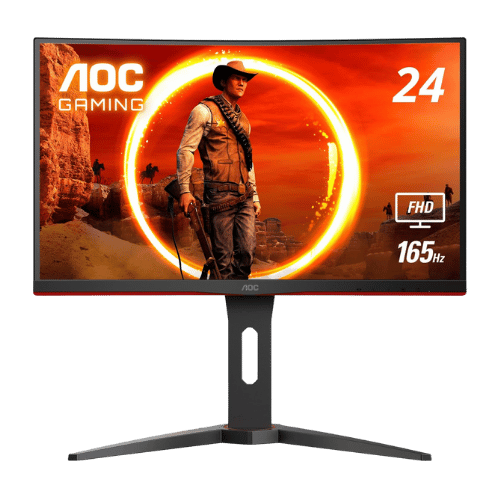
AOC C24G1A 23.6" Curved FHD 165Hz Gaming Monitor
★4.7(10,257)Amazon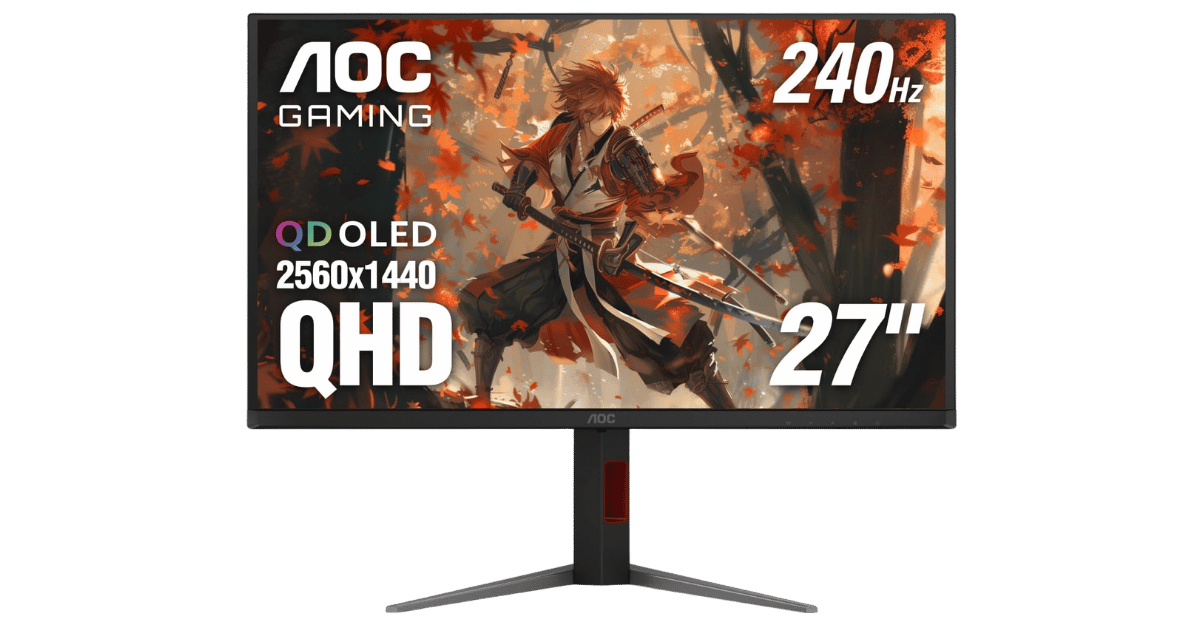
AOC Q27G4ZD 27" QHD 240Hz QD-OLED Gaming Monitor
★4.4(163)Amazon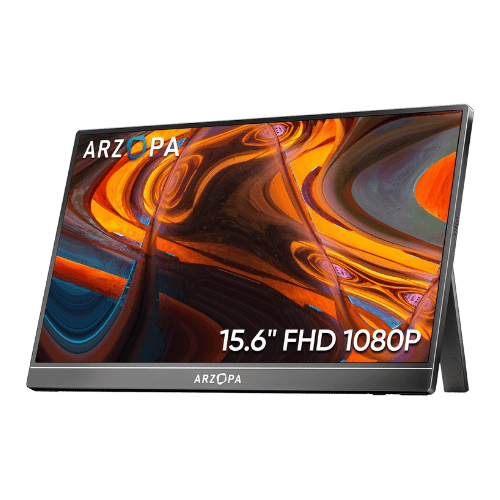
ARZOPA A1 15.6" FHD Portable Monitor
★4.5(3,050)Amazon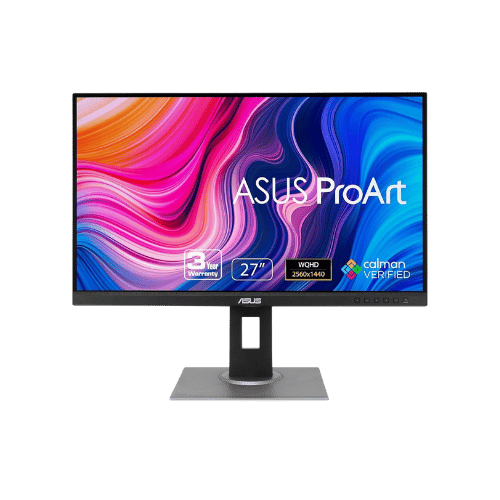
ASUS ProArt Display PA278QV 27" WQHD Monitor
★4.6(3,051)Amazon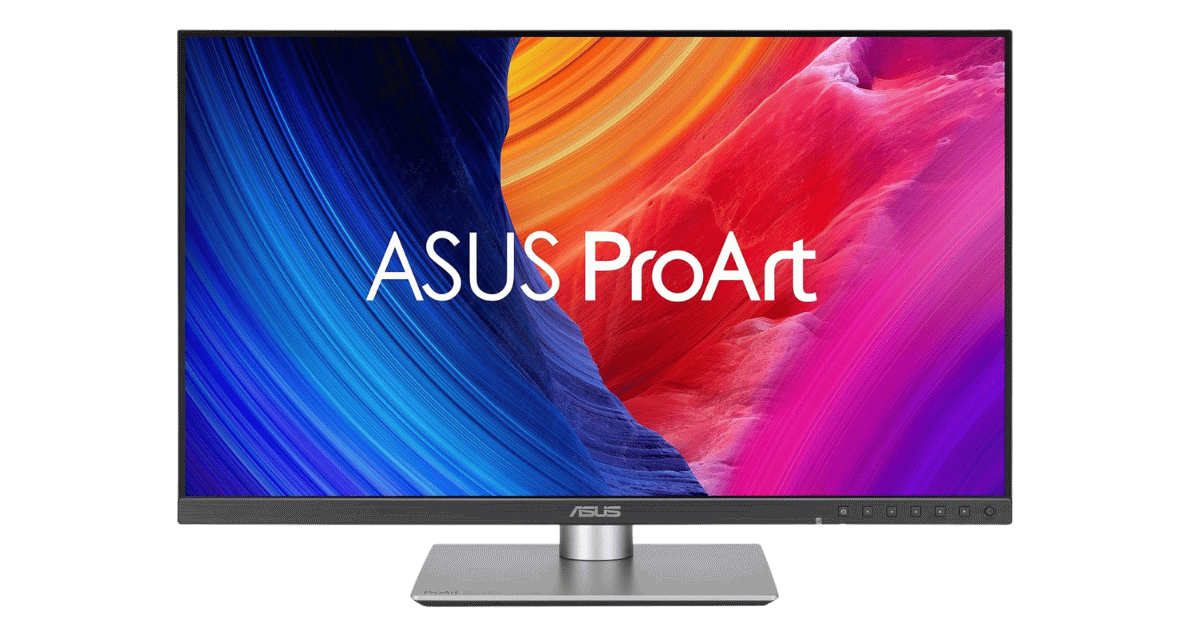
ASUS ProArt Display PA32QCV 32" 6K IPS Professional Monitor
★4.5(14)Amazon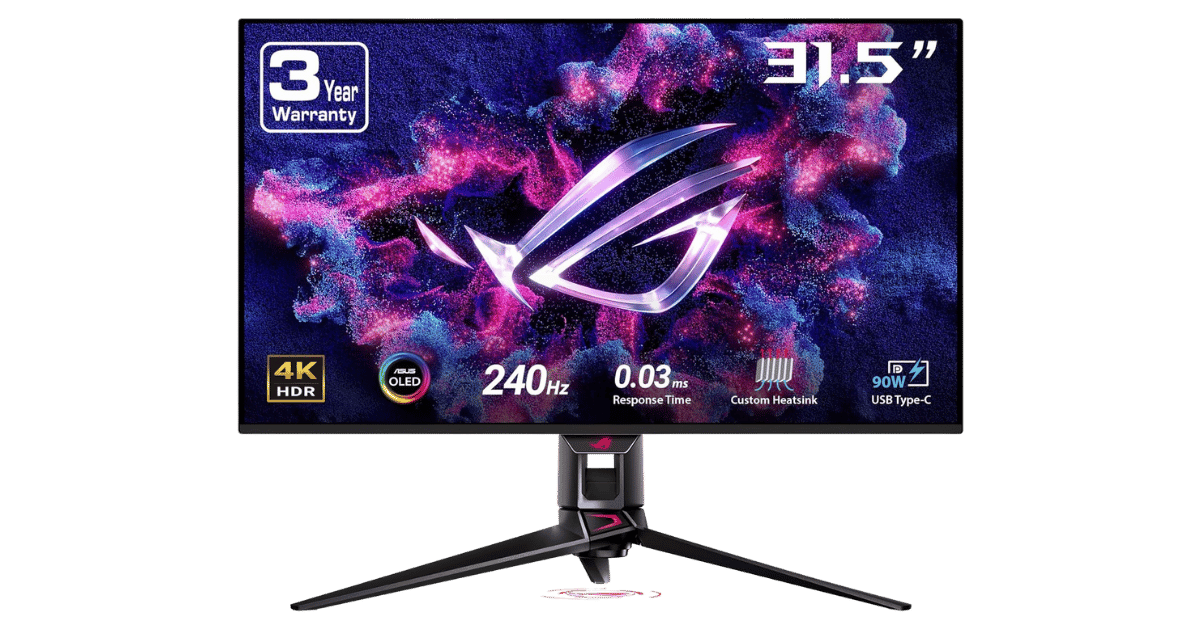
ASUS ROG Swift OLED PG32UCDM 32" 4K 240Hz QD-OLED Gaming Monitor
★4.6(885)AmazonThe Bottom Line: Dell UltraSharp U2723QE 27" 4K USB-C Hub Monitor
The Dell UltraSharp U2723QE 27" 4K USB-C Hub Monitor earns our strong recommendation for 2026. Key strengths include its IPS Black technology delivers a 2,000:1 contrast ratio, offering significantly deeper blacks than standard IPS panels and acts as a full docking station: One cable provides 90W charging, 4K video, USB data, and wired Ethernet. As a flagship monitor, it represents the best the category has to offer, though at a premium price point.
Final verdict: With a 4.7/5 rating, the Dell UltraSharp U2723QE 27" 4K USB-C Hub Monitor is an excellent pick. If it fits your budget and needs, it's hard to go wrong.
Frequently Asked Questions
+ Is the Dell UltraSharp U2723QE 27" 4K USB-C Hub Monitor worth buying in 2026?
Yes, the Dell UltraSharp U2723QE 27" 4K USB-C Hub Monitor is worth it if you prioritize ips black technology delivers a 2,000:1 contrast ratio, offering significantly deeper blacks than standard ips panels. With a 4.7/5 rating, it stands out in the monitors category. However, consider that limited to 60hz refresh rate, making it unsuitable for gaming or high-motion video work. Check our detailed verdict above.
+ What are the main specs of Dell UltraSharp U2723QE 27" 4K USB-C Hub Monitor?
Key specifications include: Screen Size: 27" Viewable (27" Class), Resolution: 3840 x 2160 (4K UHD), Aspect Ratio: 16:9, Screen Type: IPS Black. See the full specifications table above for complete technical details.
+ Where is the best place to buy Dell UltraSharp U2723QE 27" 4K USB-C Hub Monitor?
For US buyers, Amazon offers the best combination of competitive pricing, fast Prime shipping, easy returns, and reliable warranty support. Use our affiliate links above to check current prices and availability.
+ What are the pros and cons of Dell UltraSharp U2723QE 27" 4K USB-C Hub Monitor?
Pros: IPS Black technology delivers a 2,000:1 contrast ratio, offering significantly deeper blacks than standard IPS panels; Acts as a full docking station: One cable provides 90W charging, 4K video, USB data, and wired Ethernet; Built-in KVM allows you to control two PCs (e.g., Mac and Windows) with a single keyboard/mouse. Cons: Limited to 60Hz refresh rate, making it unsuitable for gaming or high-motion video work; No built-in speakers (requires external audio or optional magnetic soundbar). See our detailed breakdown above for the complete analysis.
+ How does Dell UltraSharp U2723QE 27" 4K USB-C Hub Monitor compare to alternatives?
Compare with other monitors options in our comparison section above to see side-by-side specs, ratings, and pros/cons.
+ Are PageBen reviews independent and unbiased?
Yes. PageBen is an independent review site. While we use affiliate links for monetization, our recommendations are research-driven and based on objective specifications, user feedback, and real-world performance. We are not sponsored by manufacturers.
💡 You may also like
View all →These are popular picks in Monitors
AOC C24G1A 23.6" Curved FHD 165Hz Gaming Monitor
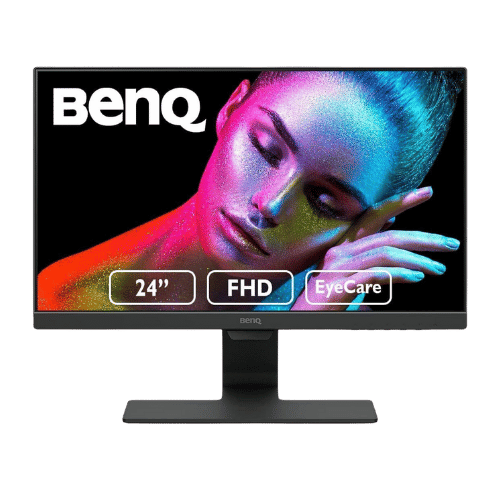
BenQ GW2480 23.8" FHD IPS Eye-Care Monitor
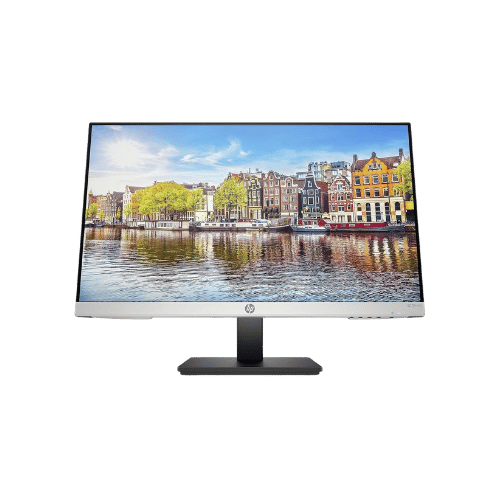
HP 24mh 23.8" FHD IPS Monitor
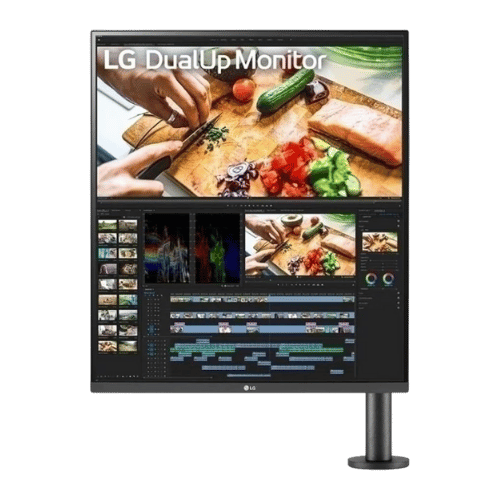
LG DualUp 28MQ780-B 27.6" 16:18 Ergo Monitor
ASUS ProArt Display PA278QV 27" WQHD Monitor
ASUS ROG Swift OLED PG32UCDM 32" 4K 240Hz QD-OLED Gaming Monitor
ℹ️ Affiliate notice: This site includes Amazon affiliate links. If you buy through them, we may earn a commission at no extra cost to you. Thanks for supporting independent reviews.