
Best External Monitors for MacBook Pro & Air (USB-C Guide)
Best External Monitors for MacBook Pro & Air (USB-C Guide) in 2025: ranked by real specs like panel type, refresh rate, and resolution. Its stunning 4K resolution and innovative IPS Black technology deliver double the contrast of standard IPS panels, making it a must-have for anyone serious about visual quality. After comparing the specs, its 90W USB-C charging capability and built-in KVM switch make it a connectivity powerhouse. In real-world use, this monitor shines for both productivity and creative tasks, providing a 27-inch screen that brings clarity to every detail. Use the buttons above to check current prices and availability.
How We Pick These Products
PageBen prioritizes usefulness for US shoppers. Affiliate commission does not decide recommendations, rankings, or verdicts.
Sources Checked
Official specifications, Retailer ratings, Manufacturer documentation, Buyer feedback.
Decision Factors
We weigh panel type, resolution, refresh rate, brightness, color coverage, ergonomics, and desk fit.
Editorial Standard
Research-based analysis from documented specs, published lab measurements, and verified-buyer evidence. Any hands-on note is labeled as such. Full methodology.
⚡ Quick Summary
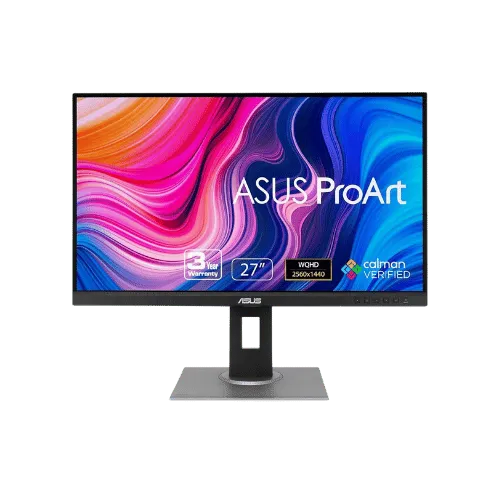
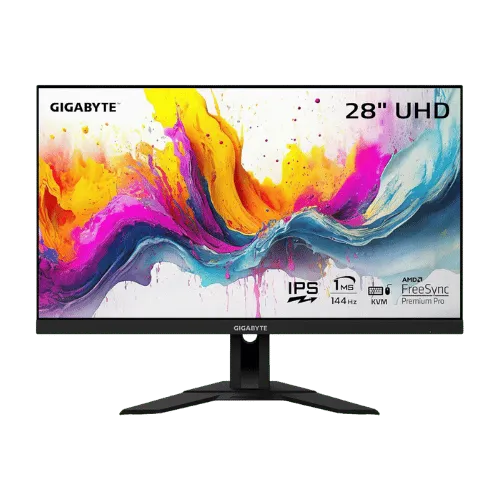
For most monitors buyers in 2025, the ASUS ProArt Display PA278QV 27" WQHD Monitor offers the best combination of performance and value. The GIGABYTE M28U 28" 4K 144Hz KVM Gaming Monitor is a strong alternative.
Top picks
5 picksAs an Amazon Associate I earn from qualifying purchases.
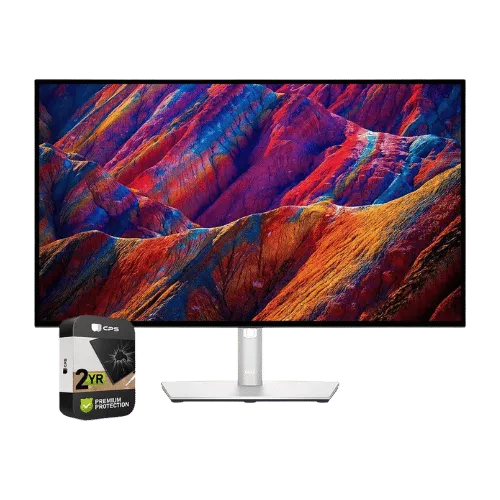
The Dell UltraSharp U2723QE is unbeatable with its 4K resolution and IPS Black technology, providing a stunning 2,000:1 contrast ratio for deeper blacks. Its 90W USB-C charging means you can power your MacBook while enjoying top-notch visuals. The built-in KVM switch allows you to easily switch between two devices, making it perfect for multitasking. Tap the button to see today's price.
The ASUS ProArt Display PA278QV offers factory calibration for color accuracy with a Delta E < 2, making it ideal for photographers and videographers. With a 75Hz refresh rate, it provides a smoother experience than standard monitors. Its inclusion of legacy ports like DVI-D maximizes compatibility with older devices. Tap the button to see today's price.
The GIGABYTE M28U delivers a 144Hz refresh rate for smooth gaming at 4K, making it a top choice for gamers. With a 1ms response time, it minimizes motion blur for fast-paced action. Its HDMI 2.1 ports allow for next-gen console gaming at 120Hz. Tap the button to see today's price.
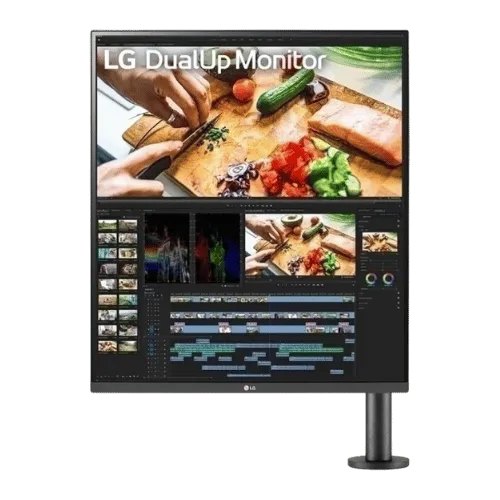
The LG DualUp 28MQ780-B's unique 16:18 aspect ratio offers the vertical workspace equivalent to two 21.5-inch monitors, perfect for multitasking. With 90W USB-C power delivery, it can easily charge your MacBook. Its built-in KVM switch lets you control two devices seamlessly, making it a strong fit for dual users. Tap the button to see today's price.
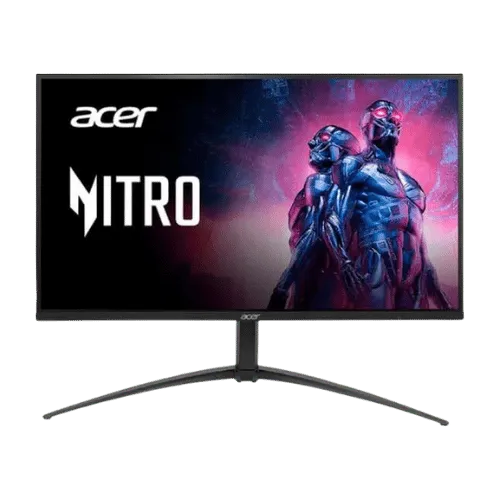
The Acer Nitro XV275K P5 features Mini-LED backlighting for excellent contrast and brightness, supporting a 160Hz refresh rate at 4K. This makes it a reliable pick for gamers seeking high performance. However, its OSD can be clunky, which may affect usability. Tap the button to see today's price.
How to decide
Display Quality and Panel Type
The Dell UltraSharp U2723QE features an IPS Black panel, offering a remarkable 2,000:1 contrast ratio. This is a significant upgrade over the 1,000:1 contrast ratio of the ASUS ProArt PA278QV, making blacks appear deeper and colors more vibrant. The GIGABYTE M28U also offers a 4K resolution but is limited by its standard IPS contrast. With 98% DCI-P3 color coverage, the Dell excels in color accuracy, crucial for photographers and designers who need precision. In contrast, the LG DualUp 28MQ780-B's unique 16:18 aspect ratio provides a different visual experience, but it lacks the deep blacks of the Dell.
Refresh Rate and Response Time
When it comes to refresh rates, the GIGABYTE M28U leads the pack with a whopping 144Hz, making it ideal for gaming. The Acer Nitro XV275K P5 follows closely with a 160Hz mode for 1080p, but its performance can be less consistent at 4K. In comparison, the Dell UltraSharp U2723QE is limited to 60Hz, which is sufficient for most productivity tasks but not for high-motion gaming. The ASUS ProArt PA278QV offers a respectable 75Hz refresh rate, providing a smoother experience than standard 60Hz monitors, especially during scrolling and video playback.
Connectivity Options
The Dell UltraSharp U2723QE stands out with its extensive connectivity options, including a USB-C port that delivers 90W power delivery, video, and data, making it a one-cable solution for MacBook users. In contrast, the GIGABYTE M28U's USB-C delivery is limited to 15W, which may not be enough for charging laptops. The LG DualUp 28MQ780-B also offers 90W USB-C but features a unique KVM switch to control two devices simultaneously. The ASUS ProArt PA278QV lacks USB-C entirely, which may limit its appeal for those seeking a single-cable setup.
💡 Expert Tips: Monitors Buying Advice
Beyond our picks, keep these insider tips in mind when shopping for monitors:
Panel type matters: IPS for color work, VA for contrast, OLED for the best of both.
For gaming, prioritize low input lag and variable refresh rate over raw Hz numbers.
4K is overkill under 27 inches—you won't see the extra pixels at normal viewing distances.
Ergonomic adjustments (height, tilt, pivot) are worth paying for if you work long hours.
Frequently Asked Questions
+ Best External Monitors for MacBook Pro & Air (USB-C Guide) in 2025?
The Dell UltraSharp U2723QE is the best external monitor for MacBook Pro & Air in 2025, thanks to its 4K resolution and 90W USB-C charging capability.
+ Is Dell UltraSharp U2723QE worth it in 2025?
Absolutely! With a 2,000:1 contrast ratio and 98% DCI-P3 color coverage, it offers professional-level visuals that are worth the investment for creatives.
+ What should I look for when buying a monitor?
Look for resolution, refresh rate, and connectivity options. A 4K resolution provides sharp images, while a refresh rate of at least 75Hz offers smoother motion.
Conclusion
For professionals needing top-notch visuals, the Dell UltraSharp U2723QE is the monitor to beat in 2025. Its 90W USB-C charging and KVM switch make it incredibly versatile. While the ASUS ProArt PA278QV offers solid color accuracy, it can't match the Dell's overall performance. Use the buttons above to see live pricing and stock.
Our top recommendation:
Get Dell UltraSharp U2723QE→