

Is the Dell XPS 13 (9340, 2024) — Intel Core Ultra 7 155H Worth It in 2026?
Quick Verdict:
Yes—the 13.4" display and Intel Core Ultra 7 155H make it a standout for power users.
How This Verdict Was Reached
PageBen prioritizes usefulness for US shoppers. Affiliate commission does not decide recommendations, rankings, or verdicts.
Sources Checked
Official specifications, Retailer ratings, Manufacturer documentation, PageBen research.
Decision Factors
We weigh processor class, memory, display quality, battery life, ports, weight, and upgrade limits.
Editorial Standard
Research-based analysis from documented specs, published lab measurements, and verified-buyer evidence. Any hands-on note is labeled as such. Full methodology.
Is Dell XPS 13 (9340, 2024) — Intel Core Ultra 7 155H worth it? Yes, it’s a powerful laptop with a stunning 13.4" display and robust performance. Ideal for professionals who need a portable yet capable machine. This model is not for those who only need basic functionality.
Is the Price Justified?
Value for money is excellent with the Dell XPS 13 (9340). For the premium price, you get an Intel Core Ultra 7 155H with 16 cores that can hit 4.8 GHz, making it plenty fast for multitasking and demanding applications. Plus, the display options range from 1920x1200 to 2880x1800, catering to different visual needs, ensuring you get high-quality graphics for your investment. In terms of storage, it offers up to 2 TB PCIe Gen4 NVMe SSD, which is user-replaceable. This is a significant advantage over competitors where storage upgrades may not be as flexible. You'll find that the combination of performance, storage, and display quality justifies the higher price tag. The build quality is another critical factor. With CNC-machined aluminum and Gorilla Glass, you’re not just getting a laptop; you’re investing in a durable machine that can withstand daily use. This premium feel translates to longevity, making it a smart buy for anyone seeking durability alongside performance. When comparing to other premium laptops in 2026, the XPS 13 holds its ground. Many competitors offer weaker specs or lack the same level of build quality, making the investment in the XPS 13 feel justified. The overall package of performance, aesthetics, and functionality makes this a strong contender in the premium laptop market.
3 Reasons to Buy
1. Impressive Performance
The Dell XPS 13 (9340) is powered by the Intel Core Ultra 7 155H, a 16-core processor that can reach speeds up to 4.8 GHz. This means whether you’re multitasking across multiple applications or handling heavy-duty software, it crushes through tasks without breaking a sweat. For professionals needing reliable performance, this is a significant advantage. Additionally, the 16 GB, 32 GB, or 64 GB LPDDR5x RAM options allow users to choose a setup that meets their performance needs. While the RAM is not upgradeable, the top tier ensures you can tackle demanding applications and workflows for years to come.
2. Stunning Display Options
With a choice between FHD+, QHD+, and 3K OLED displays, the XPS 13 caters to different visual preferences. The 120Hz refresh rate on the IPS panels makes for smooth scrolling and responsiveness, especially beneficial for gamers and those who consume a lot of multimedia content. Alternatively, the 3K OLED offers notable color vibrancy and contrast, perfect for creators and professionals who need precise color accuracy. The 500 nits brightness on the IPS panels ensures visibility even in bright environments, making it a strong fit for outdoor use. This combination of high resolution and exceptional brightness makes the XPS 13's display a key selling point.
3. Exceptional Build Quality
The CNC-machined aluminum and Gorilla Glass construction of the XPS 13 provide a premium feel and durability that stands up to daily wear and tear. This solid build quality not only enhances the device’s aesthetics but also contributes to its longevity, ensuring that you won’t need to replace it anytime soon. For those who value both style and resilience, this laptop delivers. At just 2.6 lbs, its lightweight design makes it highly portable for professionals on the go. You can easily slip it into a backpack without feeling weighed down, making it ideal for travel.
Reasons to Skip It
Limited Upgradability
One major downside is that the RAM is soldered and cannot be upgraded after purchase. This can be a dealbreaker for users who anticipate needing more memory as software demands increase. If you’re considering using this laptop for several years, it's crucial to select the right RAM configuration upfront to avoid potential performance bottlenecks later on. Additionally, while the 1 TB or 2 TB storage options are user-replaceable, the limitation on RAM can restrict multitasking capabilities, especially for power users who may run multiple heavy applications simultaneously.
Missing Ports and Features
The removal of the headphone jack means you will need an adapter to use traditional headphones, which can be inconvenient. This affects users who prefer wired audio solutions or need to connect to external audio devices without additional dongles. Moreover, the limited I/O with only two USB-C/Thunderbolt 4 ports could hinder connectivity for users with multiple peripherals. If you rely on various accessories, investing in a good USB hub will be necessary, adding to your overall cost.
Technical Analysis
Key Specs at a Glance
The Intel Core Ultra 7 155H is a powerhouse with 16 cores and a boost clock of 4.8 GHz. This means you’ll handle heavy applications, multitasking, and even some light gaming without a hitch. It's a noticeable upgrade over older models, ensuring you’re future-proofed for the next few years. For graphics, the Intel Arc Graphics are integrated, which might not thrill hardcore gamers but are more than sufficient for everyday tasks and light creative work. If you’re into video editing or graphic design, the integrated GPU will support your needs adequately, especially with the high-resolution display options. The RAM options range from 16 GB to 64 GB LPDDR5x, providing flexibility for various users. However, keep in mind that the RAM is soldered, meaning you can't upgrade later. If you anticipate needing more power in the future, opt for the higher RAM configurations right away. The display options are another highlight. You can choose between 120Hz IPS for smoother visuals or 3K OLED for superior color accuracy and contrast. The OLED option, while locked at 60Hz, still delivers stunning visuals, but the 120Hz IPS is ideal for those who enjoy fast-paced activities like gaming or scrolling through content. Battery life is decent with a 55 Wh capacity, although exact usage will depend on your display choice and workload. Expect a full day of work on a single charge with moderate use, which is a standard benchmark in this class but not the best.
Who Is This For?
The Dell XPS 13 (9340, 2024) is perfect for professionals and creatives who need a powerful laptop that performs well under pressure. With its stunning 3K OLED display and robust Intel Core Ultra 7 155H, it’s ideal for video editing, graphic design, and any task requiring high performance and visual fidelity. On the flip side, casual users who only need a laptop for web browsing or office tasks should look elsewhere. The steep price tag may not be justified for those who don't require the high-end specs and features, especially when there are cheaper alternatives available in the market.
How It Stacks Up Against Alternatives
Leads the high-end segment with the highest rating among 10 competing products.
Direct Competitors:

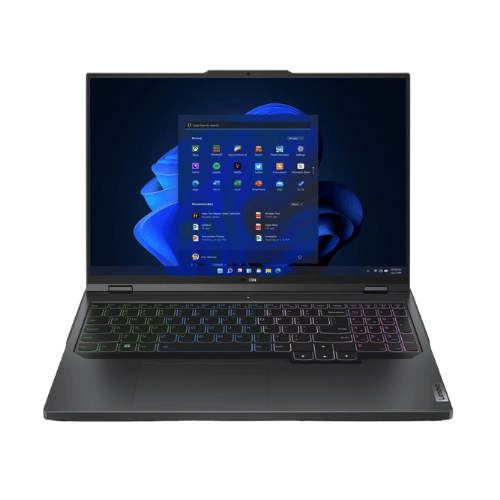
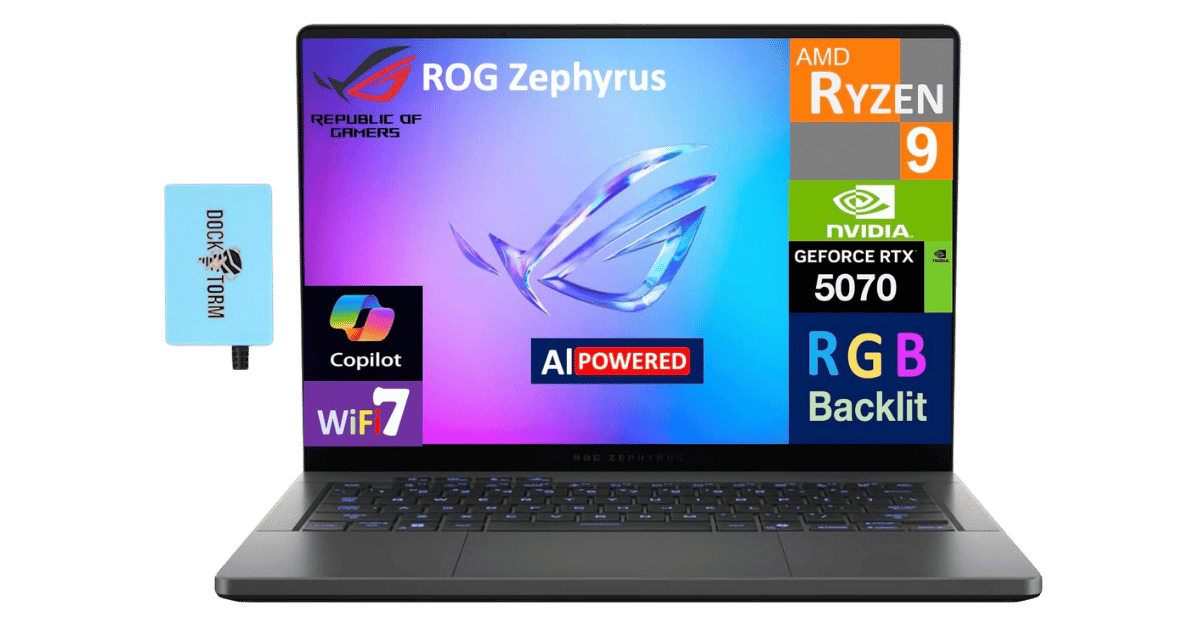
On a Budget? Consider These:
What to Expect Long-Term
Beyond the initial purchase, here's what to consider about owning the Dell XPS 13 (9340, 2024) — Intel Core Ultra 7 155H:
Durability
Premium laptops with metal builds typically last 5-7 years. Battery capacity may degrade to 80% after 2-3 years.
Support & Warranty
Apple offers the longest software support (5+ years). Windows laptops vary by manufacturer.
Upgrade Path
Consider upgradeability: RAM and SSD upgrades can extend useful life by 2-3 years.
Resale Value
Budget laptops have minimal resale value after 2 years—plan to use until end of life.
Final Decision: Should You Buy It?
✓ Buy if:
- You need a lightweight laptop for travel with high performance.
- You are a creative professional needing stunning display quality.
- You want a durable device that will last for years.
✗ Skip if:
- You need upgradeable RAM for future-proofing.
- You primarily use wired audio devices and dislike adapters.
The Dell XPS 13 (9340, 2024) — Intel Core Ultra 7 155H earns its price tag. That 13.4" display alone makes it worth it for professionals and creatives who demand performance and quality.
PageBen recommends this laptop for anyone needing a powerful, portable machine. With a weight of just 2.6 lbs, it combines power with mobility, making it an excellent investment for the right users.
Quick Questions
+ Is the Dell XPS 13 (9340, 2024) — Intel Core Ultra 7 155H worth buying in 2026?
Yes—the 13.4" display and Intel Core Ultra 7 155H make it a standout for power users.
+ What are the main pros of Dell XPS 13 (9340, 2024) — Intel Core Ultra 7 155H?
Key advantages: Ultra-modern, minimalist design with zero-lattice keyboard and seamless glass palm rest; IPS panel options (FHD+/QHD+) finally support smooth 120Hz refresh rates; Exceptional build quality with CNC aluminum and Gorilla Glass Victus/3. These make it a strong choice in the laptops market.
+ What are the downsides of Dell XPS 13 (9340, 2024) — Intel Core Ultra 7 155H?
Main considerations: 3K OLED option is locked to 60Hz, unlike the 120Hz IPS panels; No physical function keys; uses capacitive touch row which lacks tactile feedback; Headphone jack (3.5mm) has been removed; requires a dongle. Consider whether these affect your specific use case.
+ How long will the Dell XPS 13 (9340, 2024) — Intel Core Ultra 7 155H last?
Premium laptops with metal builds typically last 5-7 years. Battery capacity may degrade to 80% after 2-3 years.
+ What warranty does Dell XPS 13 (9340, 2024) — Intel Core Ultra 7 155H come with?
Apple offers the longest software support (5+ years). Windows laptops vary by manufacturer.
+ How does Dell XPS 13 (9340, 2024) — Intel Core Ultra 7 155H compare to alternatives?
Leads the high-end segment with the highest rating among 10 competing products. Direct competitors include Apple MacBook Air 13-inch (M3, 2024), Lenovo Legion Pro 5i 16 Core i7-13700HX, ASUS ROG Zephyrus G14 (2025, RTX 5070). Check our detailed comparison pages for head-to-head analysis.
+ Where can US buyers get Dell XPS 13 (9340, 2024) — Intel Core Ultra 7 155H?
For US buyers, Amazon offers competitive pricing, fast Prime shipping, easy returns, and reliable warranty support. Use our link above to check current availability and pricing—prices can fluctuate frequently.