

Is the ASUS ProArt Display PA278QV 27" WQHD Monitor Worth It in 2026?
Quick Verdict:
Yes—the factory calibration and 100% color coverage make it a no-brainer for creatives.
How This Verdict Was Reached
PageBen prioritizes usefulness for US shoppers. Affiliate commission does not decide recommendations, rankings, or verdicts.
Sources Checked
Official specifications, Retailer ratings, Manufacturer documentation, PageBen research.
Decision Factors
We weigh panel type, resolution, refresh rate, brightness, color coverage, ergonomics, and desk fit.
Editorial Standard
Research-based analysis from documented specs, published lab measurements, and verified-buyer evidence. Any hands-on note is labeled as such. Full methodology.
Is ASUS ProArt Display PA278QV 27" WQHD Monitor worth it? Yes, especially if you need precise color accuracy for creative work. With a resolution of 2560 x 1440, it delivers sharp images that professionals crave. This monitor is ideal for graphic designers, photographers, and video editors who prioritize color fidelity. However, if you're a gamer or need the latest connection options, you might want to look elsewhere. PageBen believes this monitor nails the essentials for creative professionals.
Is the Price Justified?
The ASUS ProArt Display PA278QV offers a competitive price-to-performance ratio in 2026, especially for its factory calibration with Delta E < 2, ensuring color accuracy right out of the box. For creatives, this means fewer adjustments needed, saving time and enhancing productivity. Compared to other entry-tier monitors, its 75Hz refresh rate with Adaptive-Sync provides a smoother experience, making it an appealing choice for both design and casual gaming. In terms of connectivity, the inclusion of legacy ports like Dual-Link DVI-D and Mini DisplayPort sets it apart from many modern competitors, which often lack these features. This compatibility is a significant advantage for users with older hardware, maximizing the investment. The 4-port USB 3.0 hub adds further value by allowing easy access to peripherals without cluttering your desk. However, the absence of USB-C and HDR support means it falls short against premium models that cater to modern standards. If you're looking for advanced features like these, you may find better options at a higher price point. Yet, at its price, this monitor still shines in delivering essential quality for creative tasks. Finally, with its ergonomic stand, supporting 150mm height adjustment, users can customize their viewing experience for comfort and productivity. The balance of features and price makes this monitor a smart investment for those in the creative fields, although it may not satisfy gamers looking for higher refresh rates and modern connectivity options.
3 Reasons to Buy
1. Factory Calibration for Color Accuracy
The ASUS ProArt Display PA278QV comes factory calibrated with a Delta E < 2, meaning colors are accurate straight out of the box. For graphic designers and video editors, this level of precision is vital. You'll save time tweaking settings and can trust that what you see on the screen is what will print or render, maximizing your investment in equipment and workflow. With 100% sRGB and 100% Rec. 709 coverage, this monitor ensures that your work is vibrant and true to life. Whether you're editing photos or designing graphics, the assurance of color fidelity allows you to focus on creativity rather than second-guessing your colors.
2. Versatile Connectivity Options
The inclusion of legacy ports like DVI-D and Mini DisplayPort enhances compatibility with older systems. This is a rare find in modern monitors, which often prioritize newer connections, leaving users with older hardware in the lurch. The 4-port USB 3.0 hub is another excellent feature, letting you connect peripherals directly to the monitor, reducing desk clutter and increasing accessibility. This versatility makes the monitor a strong fit for professionals who may not want to upgrade their entire setup immediately. You can maintain your current workstation while enjoying the benefits of a high-quality display, making it a smart financial decision.
3. Ergonomic Design for Comfort
The fully adjustable stand allows for 150mm height adjustment, tilt, swivel, and pivot, catering to a variety of working positions. This is crucial for anyone spending long hours in front of the screen, as it helps prevent neck and back strain. In a creative environment where comfort can affect productivity, this ergonomic design is a significant advantage. The ability to customize your viewing angle means you can set up your workspace to suit your personal preferences, leading to better focus and less fatigue throughout your workday.
Reasons to Skip It
Lacks USB-C and HDR
One major limitation of the ASUS ProArt Display PA278QV is the absence of USB-C connectivity. This is a significant drawback for modern users who prefer single-cable solutions for both power and data transfer. The lack of HDR support also means that for users who require high dynamic range for video editing or gaming, this monitor falls short. Those looking to future-proof their setup or wanting the latest in display technology may want to skip this monitor for options that include these features. Simply put, if your workflow demands advanced connectivity and visual performance, this monitor won't cut it.
Standard Contrast Ratio
With a contrast ratio of 1,000:1, the monitor's performance in dark environments can be underwhelming. Blacks may appear grayish, diminishing the viewing experience for tasks involving dark scenes or low-light photography. If you're working in such conditions, this monitor may not deliver the depth and richness you need. This limitation could be a dealbreaker for cinematographers and photographers whose work relies heavily on nuanced shadows and highlights. If you're in this camp, you'll likely find better options in the market that cater specifically to your needs.
Technical Analysis
Key Specs at a Glance
The 27" size is ideal for a WQHD resolution of 2560 x 1440, offering ample workspace without sacrificing pixel density, crucial for detailed design work. The IPS panel ensures vibrant colors and wide viewing angles of 178°, perfect for collaborative projects or presentations. With a 350 nits brightness, this monitor performs reasonably well in well-lit environments, although it may struggle in direct sunlight compared to higher-end models with HDR. The typical contrast ratio of 1,000:1 means that while colors pop, blacks can appear washed out in dark settings—something to consider if your work involves low-light environments. The 75Hz refresh rate is a nice upgrade over standard 60Hz monitors, providing a smoother experience for video playback and general use. While not tailored for hardcore gaming, it offers a decent experience for casual gaming sessions. The ergonomic features are a highlight, with the ability to adjust height by 150mm, swivel, and pivot. This flexibility supports prolonged use without discomfort, making it a strong fit for long design sessions. Finally, the monitor's weight of 17.02 lbs suggests a sturdy build, which is a plus for durability, but might be cumbersome for frequent relocations. Overall, while it lacks some modern features, the technical specifications align well with the needs of creative professionals.
Who Is This For?
This monitor is best suited for creative professionals like graphic designers, photographers, and video editors who require accurate color representation and a reliable workspace. With features like factory calibration and 100% sRGB coverage, these users will appreciate the precision it offers without needing extensive setups. On the flip side, gamers and tech enthusiasts who prioritize high refresh rates and modern connectivity options will likely find this monitor lacking. The absence of USB-C and HDR support means it's not tailored for those who need advanced performance, making other models a better fit for that crowd.
How It Stacks Up Against Alternatives
Leads the entry-level segment with the highest rating among 5 competing products.
Direct Competitors:

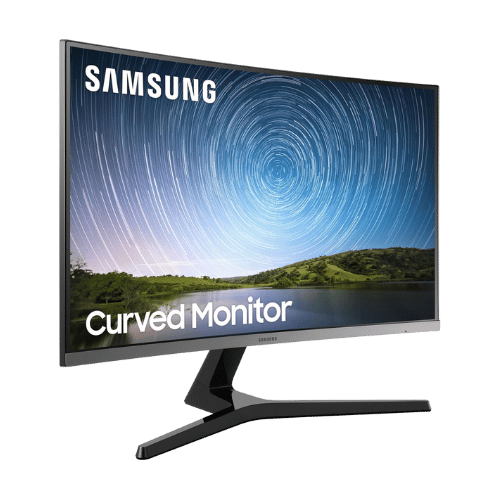
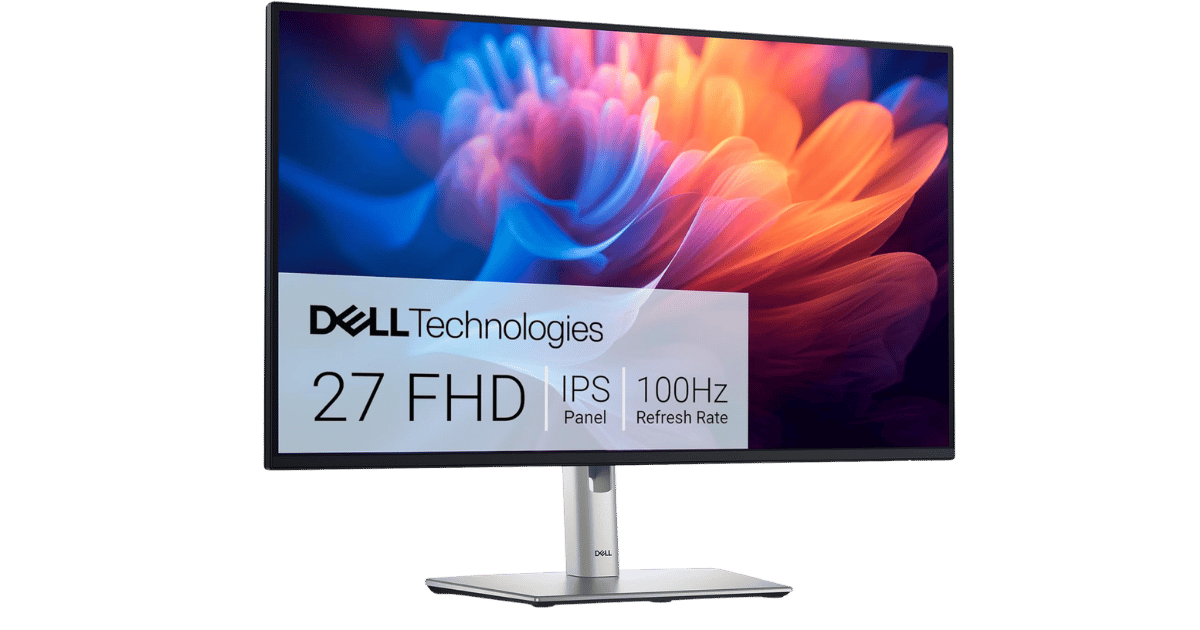
Worth the Upgrade? Premium Alternatives:
What to Expect Long-Term
Beyond the initial purchase, here's what to consider about owning the ASUS ProArt Display PA278QV 27" WQHD Monitor:
Durability
Monitor panels last 7-10+ years. Backlight dimming is gradual and rarely an issue.
Support & Warranty
Most monitors have 3-year warranties. Dead pixel policies vary by manufacturer.
Upgrade Path
Monitor technology evolves slowly. 4K, high refresh rates, and HDR are current standards.
Resale Value
Monitors retain 30-50% value after 2-3 years. Gaming monitors with high refresh rates hold value better.
Final Decision: Should You Buy It?
✓ Buy if:
- You're a creative professional needing color accuracy for design work.
- You have older hardware and need legacy port compatibility.
- Comfort during long work sessions is a priority for you.
✗ Skip if:
- You demand USB-C connectivity for a modern setup.
- Your work involves dark scenes requiring high contrast performance.
The ASUS ProArt Display PA278QV 27" WQHD Monitor earns its price tag. That factory calibration alone makes it worth it for creative professionals. PageBen recommends this monitor for those focused on color accuracy and ergonomic design, making it a smart investment for your workflow with 2560 x 1440 resolution delivering plenty of detail.
Quick Questions
+ Is the ASUS ProArt Display PA278QV 27" WQHD Monitor worth buying in 2026?
Yes—the factory calibration and 100% color coverage make it a no-brainer for creatives.
+ What are the main pros of ASUS ProArt Display PA278QV 27" WQHD Monitor?
Key advantages: Factory calibrated and Calman Verified for excellent color accuracy (Delta E < 2) out of the box; Rare inclusion of legacy ports (Mini DisplayPort and DVI-D) maximizes compatibility with older workstations; Fully ergonomic stand supports generous height, tilt, swivel, and bidirectional pivot adjustments. These make it a strong choice in the monitors market.
+ What are the downsides of ASUS ProArt Display PA278QV 27" WQHD Monitor?
Main considerations: Lacks USB-C connectivity for single-cable laptop docking (found on the pricier 'CV' model); No HDR support; Standard contrast ratio (1,000:1) means blacks can appear grayish in dark rooms. Consider whether these affect your specific use case.
+ How long will the ASUS ProArt Display PA278QV 27" WQHD Monitor last?
Monitor panels last 7-10+ years. Backlight dimming is gradual and rarely an issue.
+ What warranty does ASUS ProArt Display PA278QV 27" WQHD Monitor come with?
Most monitors have 3-year warranties. Dead pixel policies vary by manufacturer.
+ How does ASUS ProArt Display PA278QV 27" WQHD Monitor compare to alternatives?
Leads the entry-level segment with the highest rating among 5 competing products. Direct competitors include ASUS ZenScreen MB16ACE 15.6" FHD Portable Monitor, Samsung CR500 Series 27" Curved FHD Monitor, Dell P2725H 27" FHD 100Hz Monitor. Check our detailed comparison pages for head-to-head analysis.
+ Where can US buyers get ASUS ProArt Display PA278QV 27" WQHD Monitor?
For US buyers, Amazon offers competitive pricing, fast Prime shipping, easy returns, and reliable warranty support. Use our link above to check current availability and pricing—prices can fluctuate frequently.