
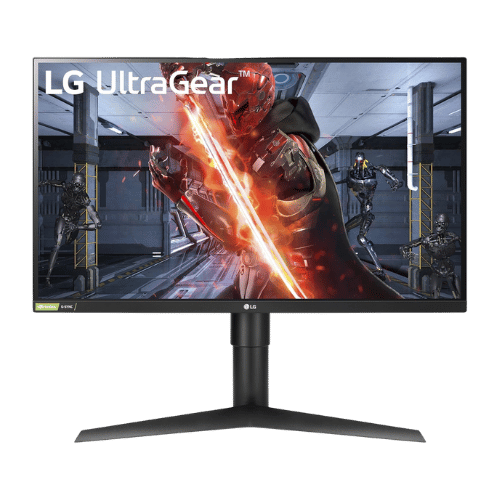
LG 27GL83A-B 27" UltraGear QHD IPS Monitor
27" QHD (1440p) IPS gaming monitor with 144Hz refresh rate and 1ms (GtG) response time. A fan-favorite esports display featuring G-SYNC compatibility and 99% sRGB color accuracy.
Affiliate Disclosure: As an Amazon Associate I earn from qualifying purchases. This comes at no extra cost to you.
(Affiliate link) — affiliate links help keep our reviews independent at no extra cost to you.
Our Take on LG 27GL83A-B 27" UltraGear QHD IPS Monitor
The LG 27GL83A-B 27" UltraGear QHD IPS Monitor stands out as one of the top performers in the monitors category for 2026. Positioned in the mid-range segment, it strikes a balance between performance and affordability. Its standout strength is its ideal 27-inch QHD sweet spot delivers sharper text and details than 1080p.
Market positioning: The LG 27GL83A-B 27" UltraGear QHD IPS Monitor targets the mainstream monitors market with a focus on practical value. This provides the features most users actually need at a price point that makes sense for everyday buyers.
Real-world use: Works well for office productivity, casual gaming, and general home use. With over 12k verified reviews and a 4.6/5 rating on Amazon, the LG 27GL83A-B 27" UltraGear QHD IPS Monitor has proven itself in actual user hands.
Competitive edge: Display quality, refresh rates, and panel technology combine to make this a standout choice. That said, potential buyers should consider that contrast ratio is mediocre (IPS glow is visible in dark rooms; blacks appear gray). Additionally, lacks a USB hub and built-in speakers (features found on the pricier '850' model).
Best For
Everyday users who want a reliable monitor with good features without breaking the bank.
Consider Alternatives If
Contrast ratio is mediocre (IPS glow is visible in dark rooms; blacks appear gray), or if lacks a USB hub and built-in speakers (features found on the pricier '850' model).
How We Evaluate
PageBen prioritizes usefulness for US shoppers. Affiliate commission does not decide recommendations, rankings, or verdicts.
Sources Checked
Official specifications, Retailer listings, Verified buyer feedback, Manufacturer documentation.
Decision Factors
We weigh panel type, resolution, refresh rate, brightness, color coverage, ergonomics, and desk fit.
Editorial Standard
Research-based analysis from documented specs, published lab measurements, and verified-buyer evidence. Any hands-on note is labeled as such. Full methodology.
Who Should Buy LG 27GL83A-B 27" UltraGear QHD IPS Monitor?
Not every product is right for every buyer. Here's how the LG 27GL83A-B 27" UltraGear QHD IPS Monitor matches different user profiles:
Quality Seekers
ConsiderSolid 4.6/5 rating, but consider premium options if you want the absolute best.
Budget Shoppers
ConsiderMid-range pricing offers more features, but cheaper options exist if cost is your priority.
Power Users
Look elsewhereConsider higher-tier options for intensive professional or enthusiast workloads.
First-Time Buyers
Great fitAccessible pricing and straightforward features make this a great starting point.
Key specifications
27" Viewable (27" Class)
2560 x 1440 (QHD)
16:9
IPS (In-Plane Switching)
144 Hz
1 ms (GtG)
350 nits (Typical) / 280 nits (Min)
1,000:1 (Typical) / 700:1 (Min)
99% sRGB
1.07 Billion (10-bit / 8-bit + FRC)
HDR10 (Software support only)
NVIDIA G-SYNC Compatible / AMD FreeSync Premium
178° (H) / 178° (V)
Flat
No (None)
1x DisplayPort 1.4; 2x HDMI 2.0; 1x 3.5mm Headphone Out
No
No
100 x 100 mm
Height (110mm), Pivot (90°), Tilt (-5° to 15°); No Swivel
51 W (Typical) / 65 W (Max) / 0.5 W (Sleep)
6,100 g (13.5 lbs)
What These Specs Mean For You
Numbers don't tell the whole story. Here's what the LG 27GL83A-B 27" UltraGear QHD IPS Monitor's specifications actually mean in daily use:
Resolution
•2560 x 1440 (QHD)Key spec2560 x 1440 (QHD) resolution determines sharpness and screen real estate for work.
Screen Size
•27" Viewable (27" Class)Screen Size of 27" Viewable (27" Class) for this monitors.
Aspect Ratio
•16:9Aspect Ratio of 16:9 for this monitors.
Screen Type
•IPS (In-Plane Switching)Screen Type of IPS (In-Plane Switching) for this monitors.
Refresh Rate
•144 HzRefresh Rate of 144 Hz for this monitors.
Pros
- Ideal 27-inch QHD sweet spot delivers sharper text and details than 1080p
- Fast 1ms IPS panel eliminates motion blur while maintaining vibrant 99% sRGB colors
- Fully certified 'G-SYNC Compatible' for tear-free gaming on NVIDIA GPUs
- Ergonomic stand supports portrait mode (Pivot) and height adjustment
- Excellent motion clarity at 144Hz makes it a top choice for competitive FPS gaming
Cons
- Contrast ratio is mediocre (IPS glow is visible in dark rooms; blacks appear gray)
- Lacks a USB hub and built-in speakers (features found on the pricier '850' model)
- HDR performance is poor due to low brightness and lack of local dimming
- Stand lacks swivel adjustment
Compare with similar options
See how LG 27GL83A-B 27" UltraGear QHD IPS Monitor stacks up against other monitors we track.
Featured in these buying guides
Where the LG 27GL83A-B 27" UltraGear QHD IPS Monitor ranks against the rest of the monitors we cover.
More in Monitors
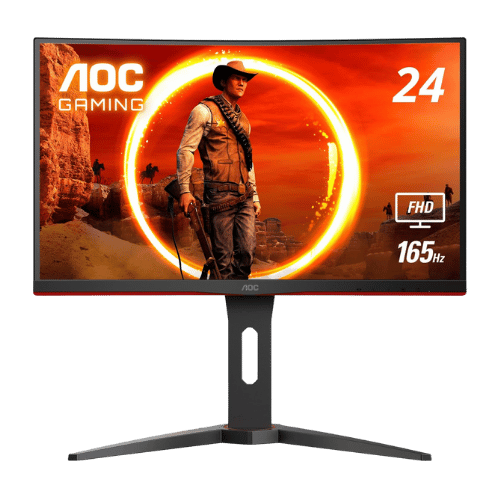
AOC C24G1A 23.6" Curved FHD 165Hz Gaming Monitor
★4.7(10,257)Amazon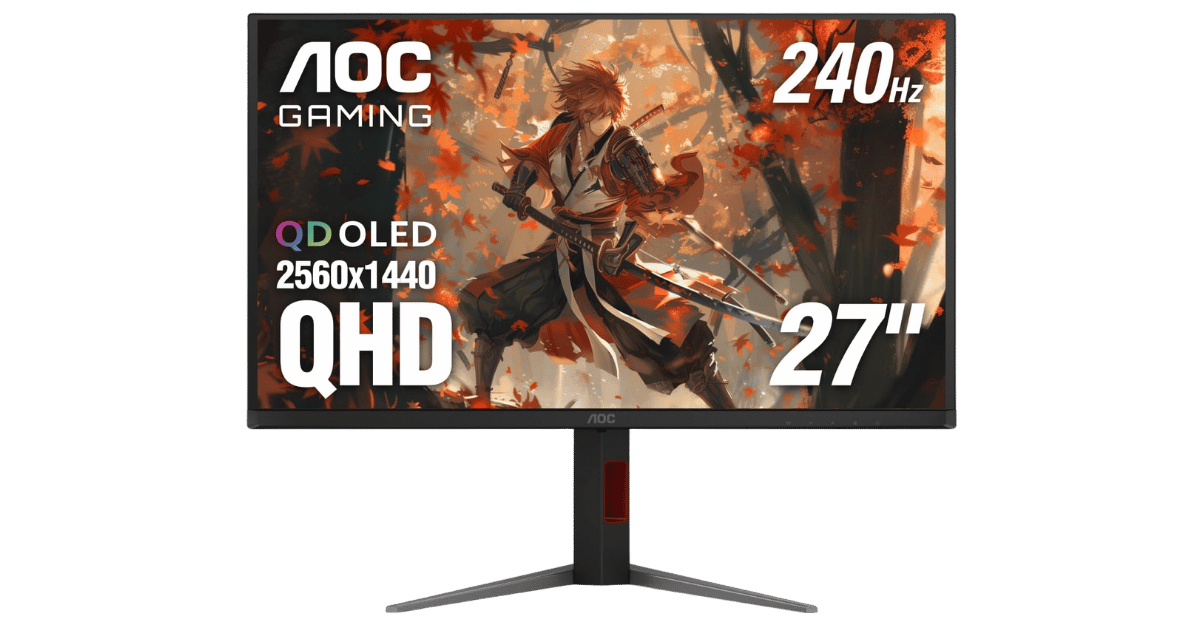
AOC Q27G4ZD 27" QHD 240Hz QD-OLED Gaming Monitor
★4.4(163)Amazon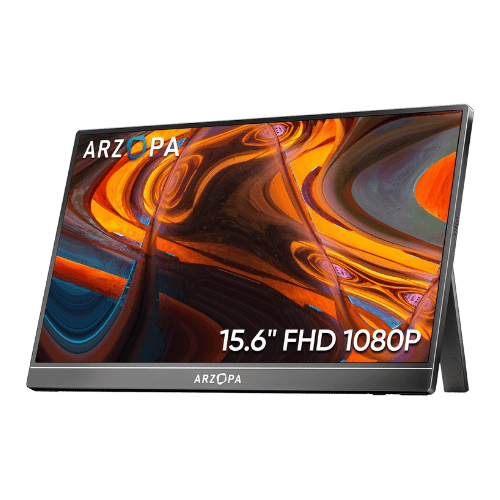
ARZOPA A1 15.6" FHD Portable Monitor
★4.5(3,050)Amazon
ASUS ProArt Display PA278QV 27" WQHD Monitor
★4.6(3,051)Amazon
ASUS ProArt Display PA32QCV 32" 6K IPS Professional Monitor
★4.5(14)Amazon
ASUS ROG Swift OLED PG32UCDM 32" 4K 240Hz QD-OLED Gaming Monitor
★4.6(885)AmazonThe Bottom Line: LG 27GL83A-B 27" UltraGear QHD IPS Monitor
The LG 27GL83A-B 27" UltraGear QHD IPS Monitor earns our strong recommendation for 2026. Key strengths include its ideal 27-inch QHD sweet spot delivers sharper text and details than 1080p and fast 1ms IPS panel eliminates motion blur while maintaining vibrant 99% sRGB colors. It offers a balanced package that handles everyday tasks effectively.
Final verdict: With a 4.6/5 rating, the LG 27GL83A-B 27" UltraGear QHD IPS Monitor is an excellent pick. If it fits your budget and needs, it's hard to go wrong.
Frequently Asked Questions
+ Is the LG 27GL83A-B 27" UltraGear QHD IPS Monitor worth buying in 2026?
Yes, the LG 27GL83A-B 27" UltraGear QHD IPS Monitor is worth it if you prioritize ideal 27-inch qhd sweet spot delivers sharper text and details than 1080p. With a 4.6/5 rating, it stands out in the monitors category. However, consider that contrast ratio is mediocre (ips glow is visible in dark rooms; blacks appear gray). Check our detailed verdict above.
+ What are the main specs of LG 27GL83A-B 27" UltraGear QHD IPS Monitor?
Key specifications include: Screen Size: 27" Viewable (27" Class), Resolution: 2560 x 1440 (QHD), Aspect Ratio: 16:9, Screen Type: IPS (In-Plane Switching). See the full specifications table above for complete technical details.
+ Where is the best place to buy LG 27GL83A-B 27" UltraGear QHD IPS Monitor?
For US buyers, Amazon offers the best combination of competitive pricing, fast Prime shipping, easy returns, and reliable warranty support. Use our affiliate links above to check current prices and availability.
+ What are the pros and cons of LG 27GL83A-B 27" UltraGear QHD IPS Monitor?
Pros: Ideal 27-inch QHD sweet spot delivers sharper text and details than 1080p; Fast 1ms IPS panel eliminates motion blur while maintaining vibrant 99% sRGB colors; Fully certified 'G-SYNC Compatible' for tear-free gaming on NVIDIA GPUs. Cons: Contrast ratio is mediocre (IPS glow is visible in dark rooms; blacks appear gray); Lacks a USB hub and built-in speakers (features found on the pricier '850' model). See our detailed breakdown above for the complete analysis.
+ How does LG 27GL83A-B 27" UltraGear QHD IPS Monitor compare to alternatives?
We have 3+ detailed comparisons with similar monitors. Popular matchups include ASUS VG248QG 24" G-SYNC Gaming Monitor and Acer SB220Q bi 21.5" FHD IPS Monitor. Check the comparison section above.
+ Are PageBen reviews independent and unbiased?
Yes. PageBen is an independent review site. While we use affiliate links for monetization, our recommendations are research-driven and based on objective specifications, user feedback, and real-world performance. We are not sponsored by manufacturers.
💡 You may also like
View all →These are popular picks in Monitors
AOC C24G1A 23.6" Curved FHD 165Hz Gaming Monitor
BenQ GW2480 23.8" FHD IPS Eye-Care Monitor
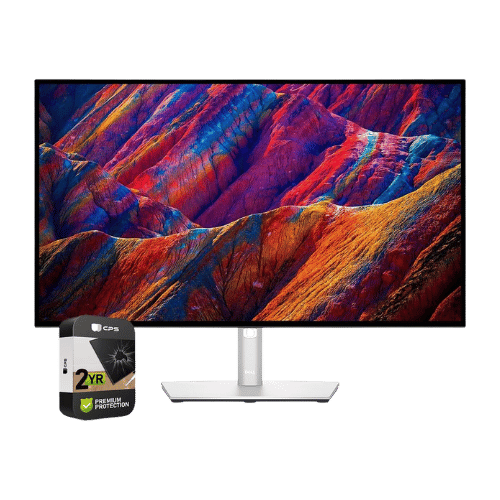
Dell UltraSharp U2723QE 27" 4K USB-C Hub Monitor
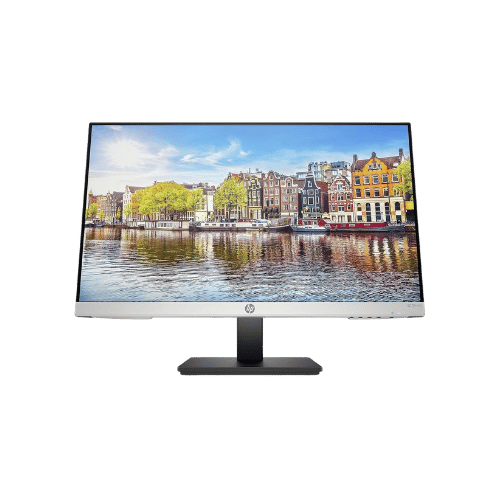
HP 24mh 23.8" FHD IPS Monitor
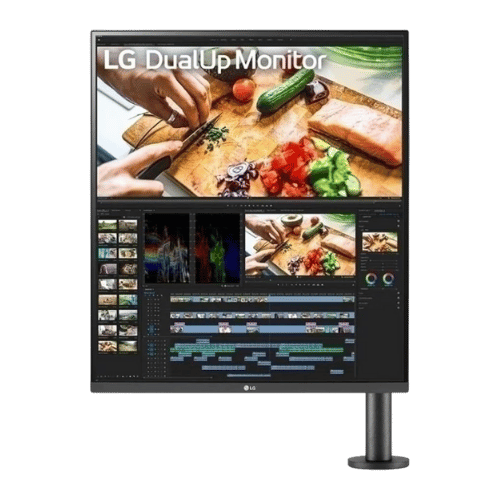
LG DualUp 28MQ780-B 27.6" 16:18 Ergo Monitor
ASUS ProArt Display PA278QV 27" WQHD Monitor
ℹ️ Affiliate notice: This site includes Amazon affiliate links. If you buy through them, we may earn a commission at no extra cost to you. Thanks for supporting independent reviews.